Dear experts,
I have setup a webcenter content capture environment, following the documentation here: https://docs.oracle.com/cd/E29542_01/doc.1111/e37898/get_started.htm#ODDCM134
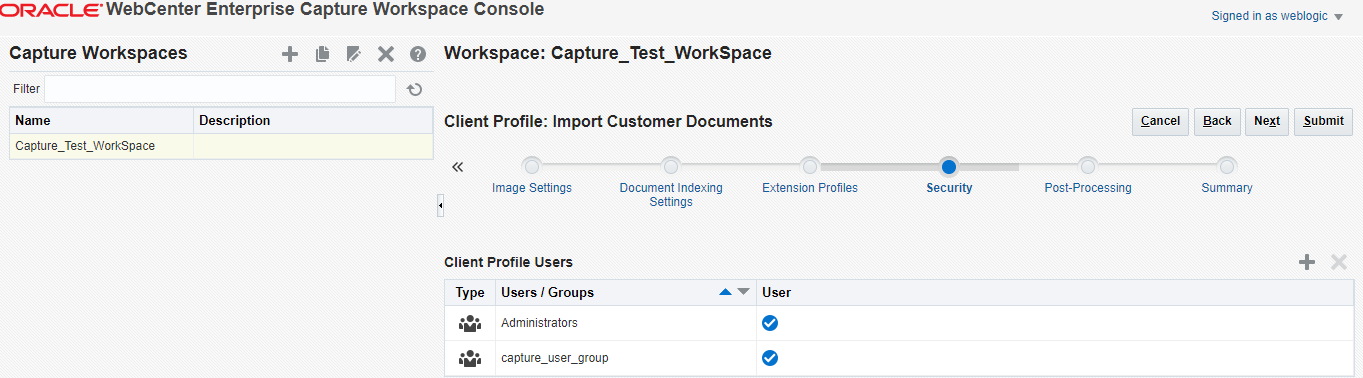
and accordingly, I have set up a client profile as instructed in the documentation, and also following the self-study series at: https://apexapps.oracle.com/pls/apex/f?p=44785:24:10705705068625:::24:P24_CONTENT_ID,P24_PREV_PAGE:10004,24
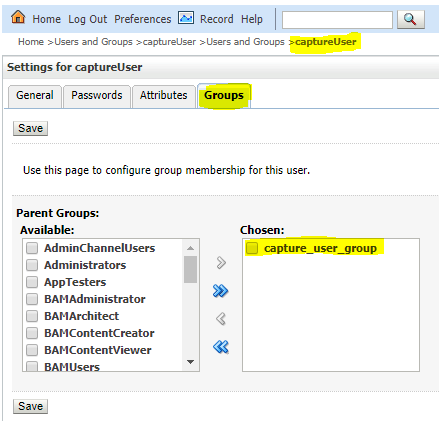
At the WLS security realm:
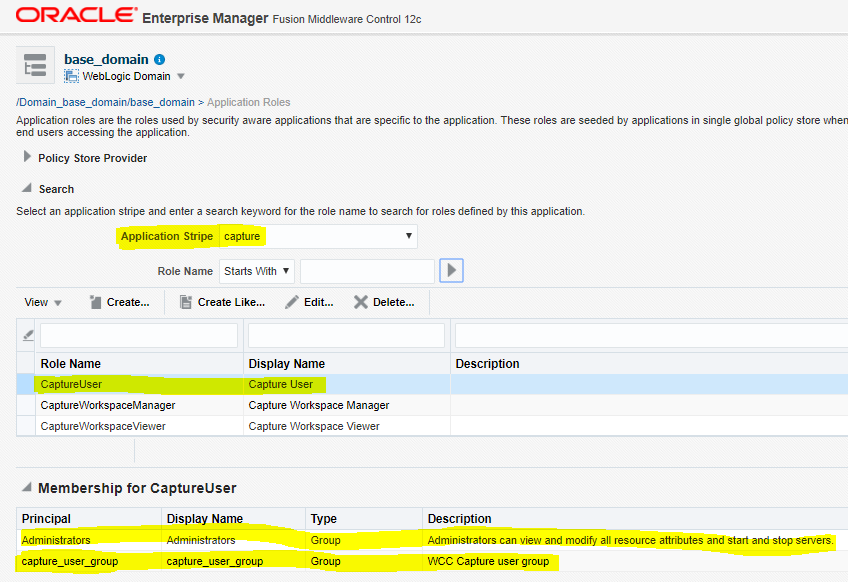
and at enterprise manager, security --> application roles
Now I am at the stage where I will need to access the capture client via the Stand-alone application Java application.
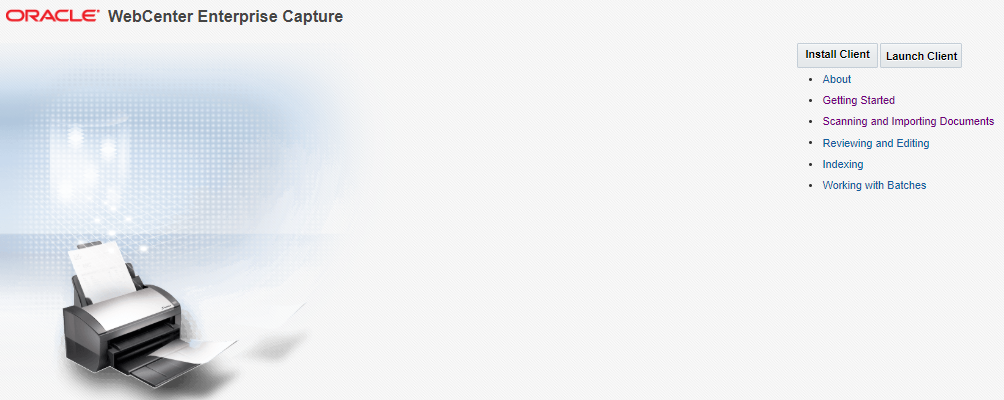
I have installed the client, and now I wish to login.
My first question, I require to enter the server address, which server? the capture client?
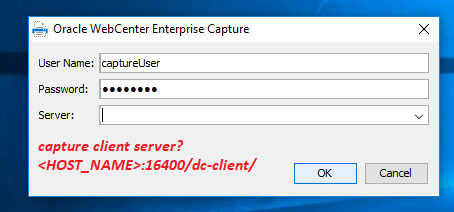
I have tried to input the server address as: http://<HOST_NAME>:16400/dc-client/ , however I am getting this error:
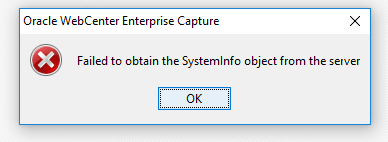
and I don't understand why or whether the server I entered is correct
Any advice is greatly appreciated! and thanks in advance for all contributors.
Best Regards,
Windows 10
Weblogic 12.2.1.3
Webcenter content 12.2.1.3
Java jdk 1.8.0_131
Oracle DB 12.1.0.2