Hi.
I want to implement a vertical accordion, as mentioned here
http://blog.theapexfreelancer.com/2011/05/easy-accordion/
but for some reason it's not working for me and ALL THE REGIONS are showing on top of each other. here is what I did
1) created a new template as follows
1 A) in the templates section - > created a new template - > selected template type Region
1 B) selected template class = Custom 3
1 C) entered following code in the Definition.Template section
<div id="#REGION_STATIC_ID#" #REGION_ATTRIBUTES#>
#BODY##SUB_REGION_HEADERS##SUB_REGIONS#
</div>
<link rel="stylesheet" href="#IMAGE_PREFIX#libraries/jquery-ui/1.8/themes/base/jquery.ui.accordion.css" type="text/css" />
<script src="#IMAGE_PREFIX#libraries/jquery-ui/1.8/ui/minified/jquery.ui.accordion.min.js" type="text/javascript"></script>
<script type="text/javascript">
apex.jQuery(function() {
apex.jQuery("##REGION_STATIC_ID#").accordion();
});
1 D) entered following code in the sub regions.Template section
<h3><a href="#">#SUB_REGION_TITLE#</a></h3>
<div>#SUB_REGION#</div>
1 E) applied changes/saved the template
2) on the page where I wanted to implement accordion, I created a new static region
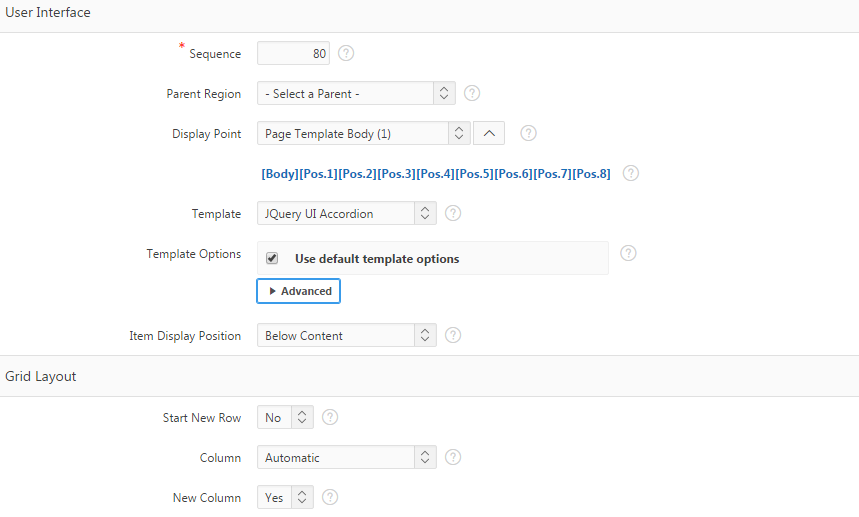


3) Linked other regions to the one created in step 2 above

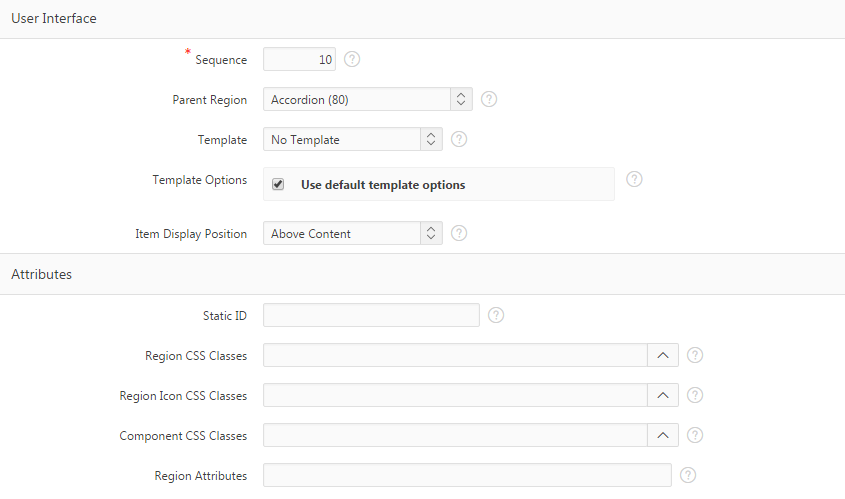
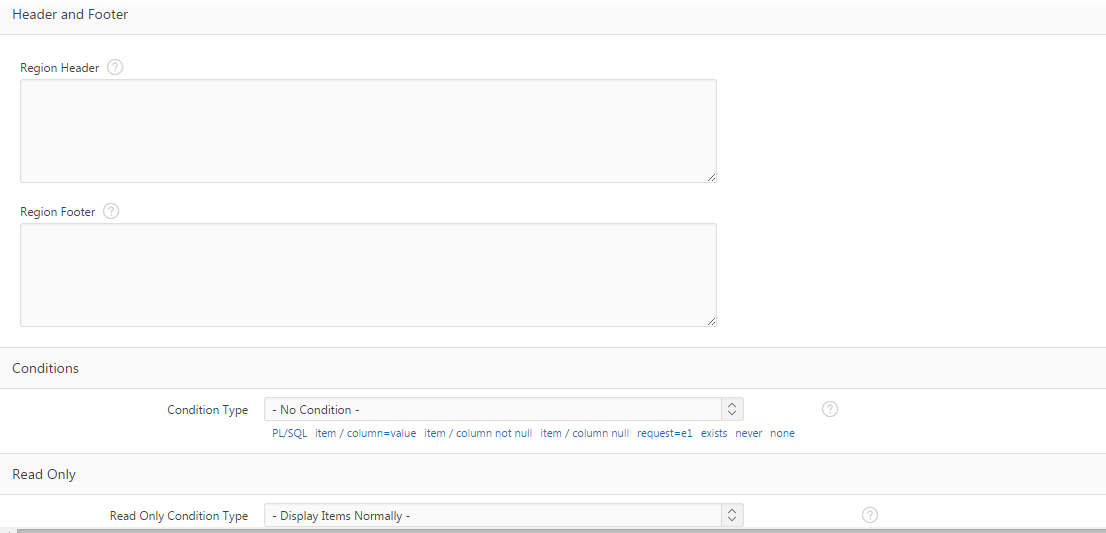
- when I am running the application, all the regions are showing on top of each other ... something like this
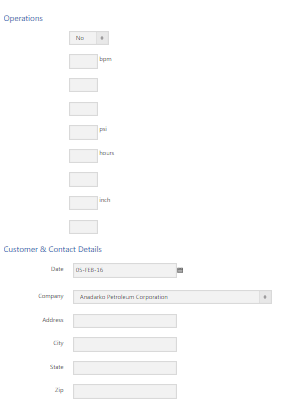
and not showing the hide/show bar
the sample is posted as follows
APEX.ORACLE.COM
schema: BRR
ID: APEX_TEST
PW: APEX_TEST
APPLICATION: Application 99782 - Job Design v2
APPLICATION PAGE: 3 Header
please advise
Thanks