Good morning,
I am today using a brand new Display, a DELL U2515H (2560x1440) with a DPI (display port) connexion, along with my previous old external screen (now wired with a VGA-VGA cable), a full HD Iiyama.
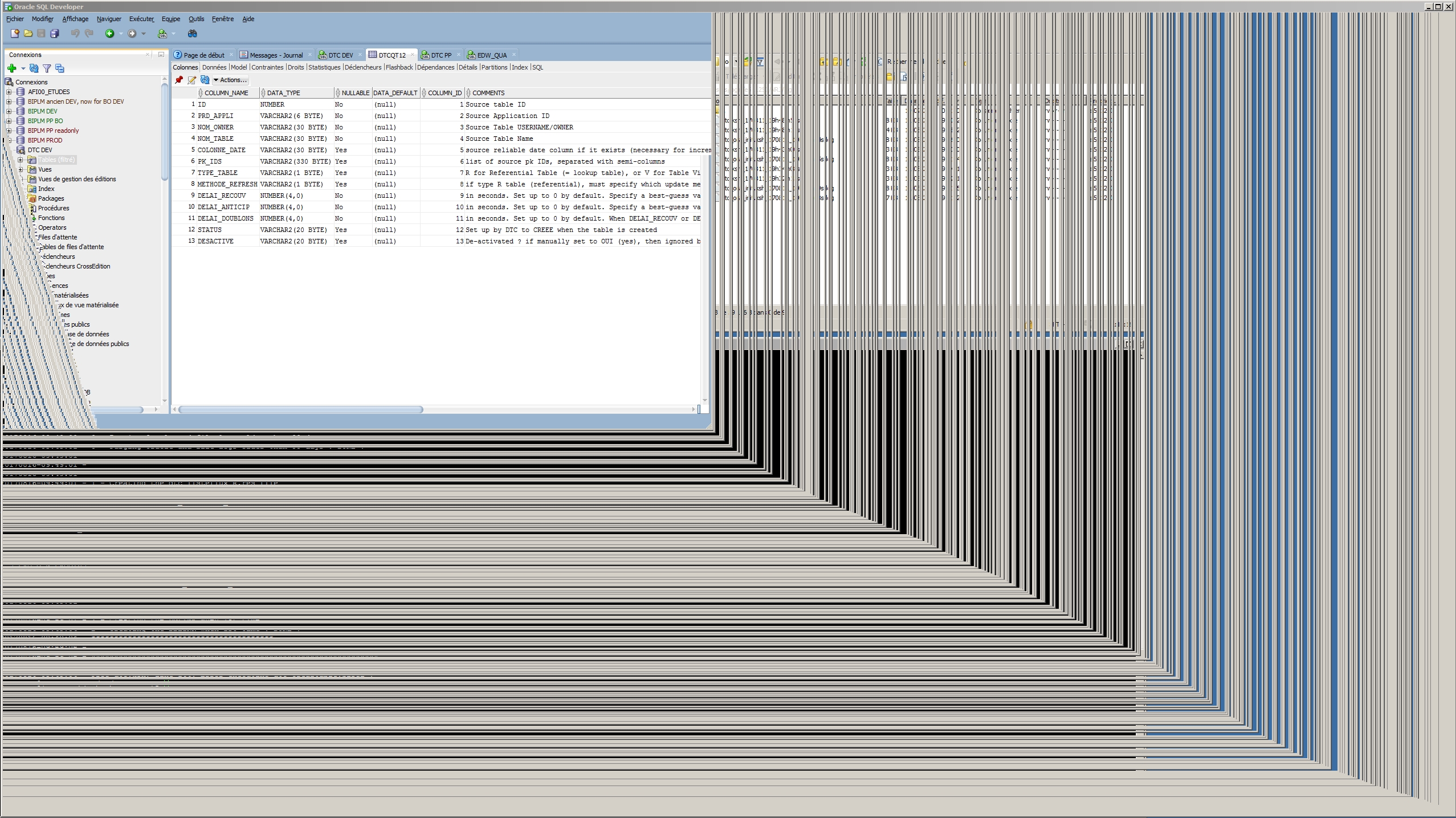
I am very disappointed to see that the SQL Developer window DOES NOT display itself correctly anymore, but in my laptop screen (HP 1366x768) : when I drag and drop my SQL Dev window to any of my two external screens, the contents of the window freezes in a funny way, and does not do anything anymore. And when I drag it back to my laptop screen, it works again ! (but in a very low resolution : 1366 x 768...).
Here is my configuration :
- SQL Developer 17.2.0.188, build 188.1159
- Windows 7 Enterprise SP1 64 bits, 8GB RAM
I tried to switch from the Windows aero theme to Windows 7 Basic : it does not improve anything.
Your help is welcome.! I am working full time on Oracle SQL Developer, and this is really a problem for me.
Thx,
Olivier
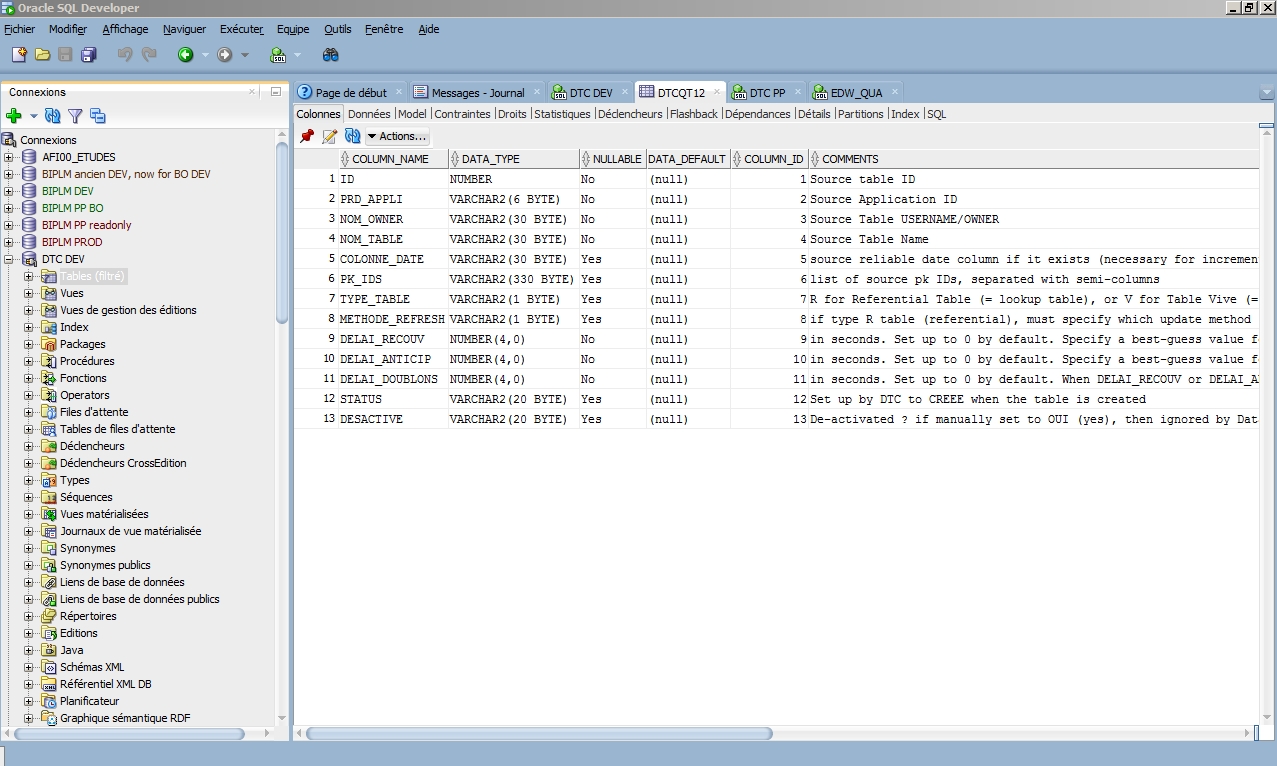
enclosed a snapshot of SQL Dev on my internal low res display : works fine
and another snapshot of SQL Dev when dragged and dropped on my external high res display : frozen...