I am using Oracle Enterprise Package For Eclipse (OEPE v12.1.3) for developing oracle MAF application. I have written an application which communicates with remote server and get the data from server in JSON format.
First i was using list in this way "List listData = new ArrayList();" but due to some circumstances i had to use list in this way "List\<String> listData = new ArrayList\<String>();". As soon as i used this second way of declaring the list, eclipse pointed to "Upgrade project compliance and JRE to 1.5" . I did that , after doing that I'm getting this "Unsupported Major.Minor Version 51.0".
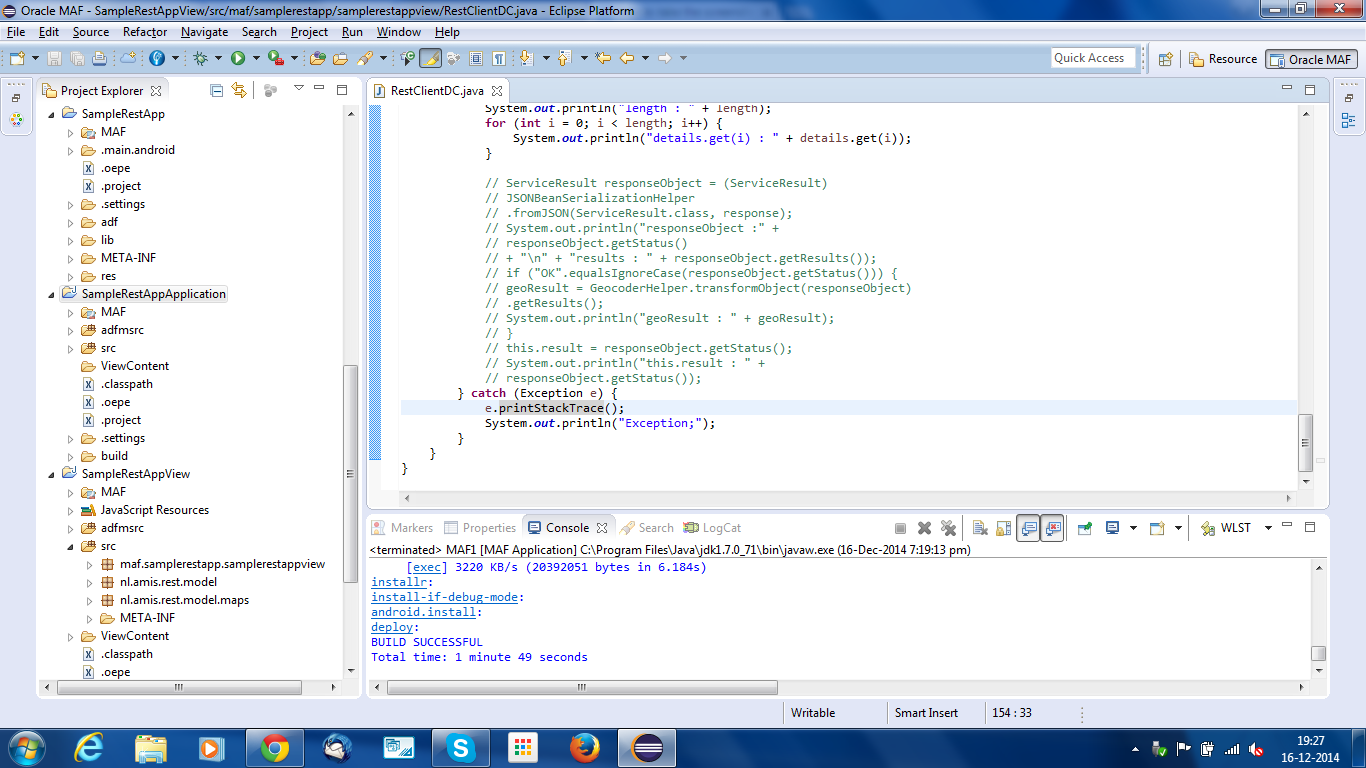
My project structure looks like this.
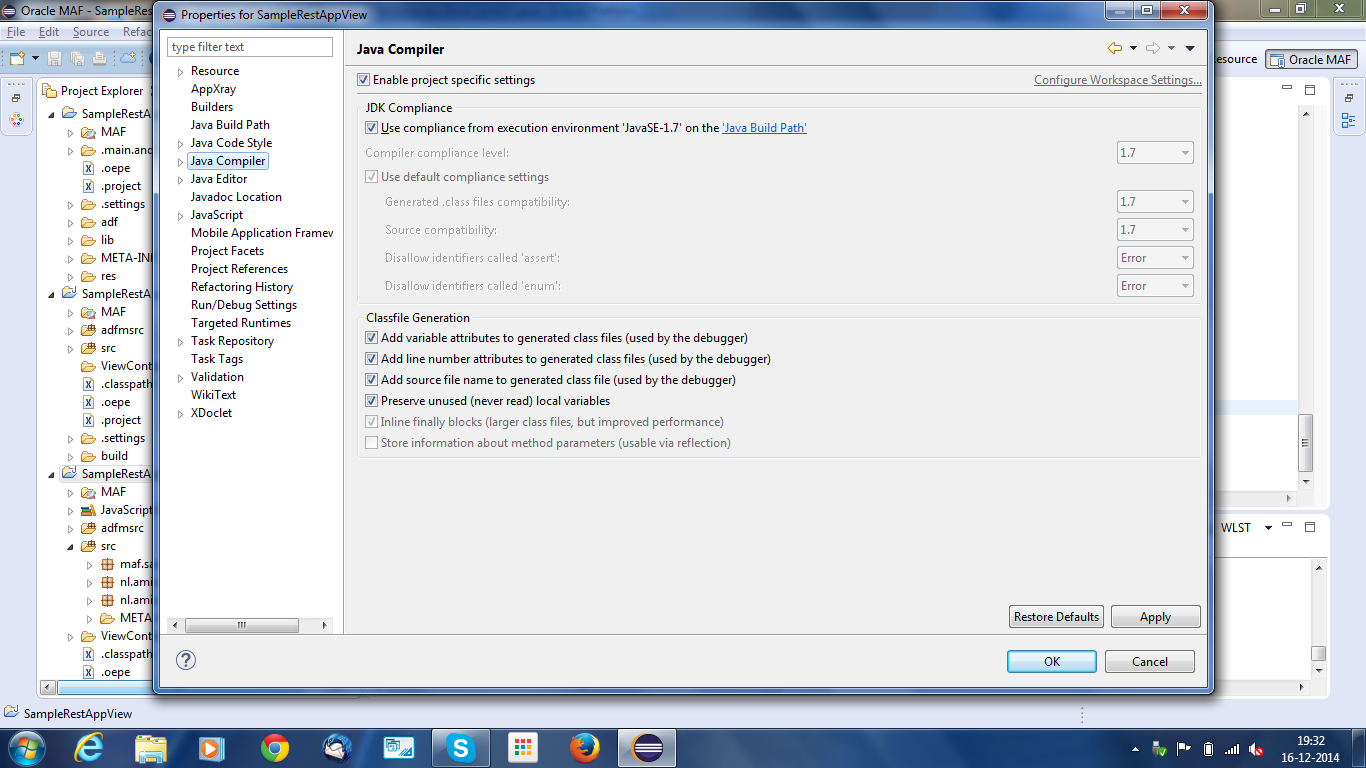
View Project's Compiler page
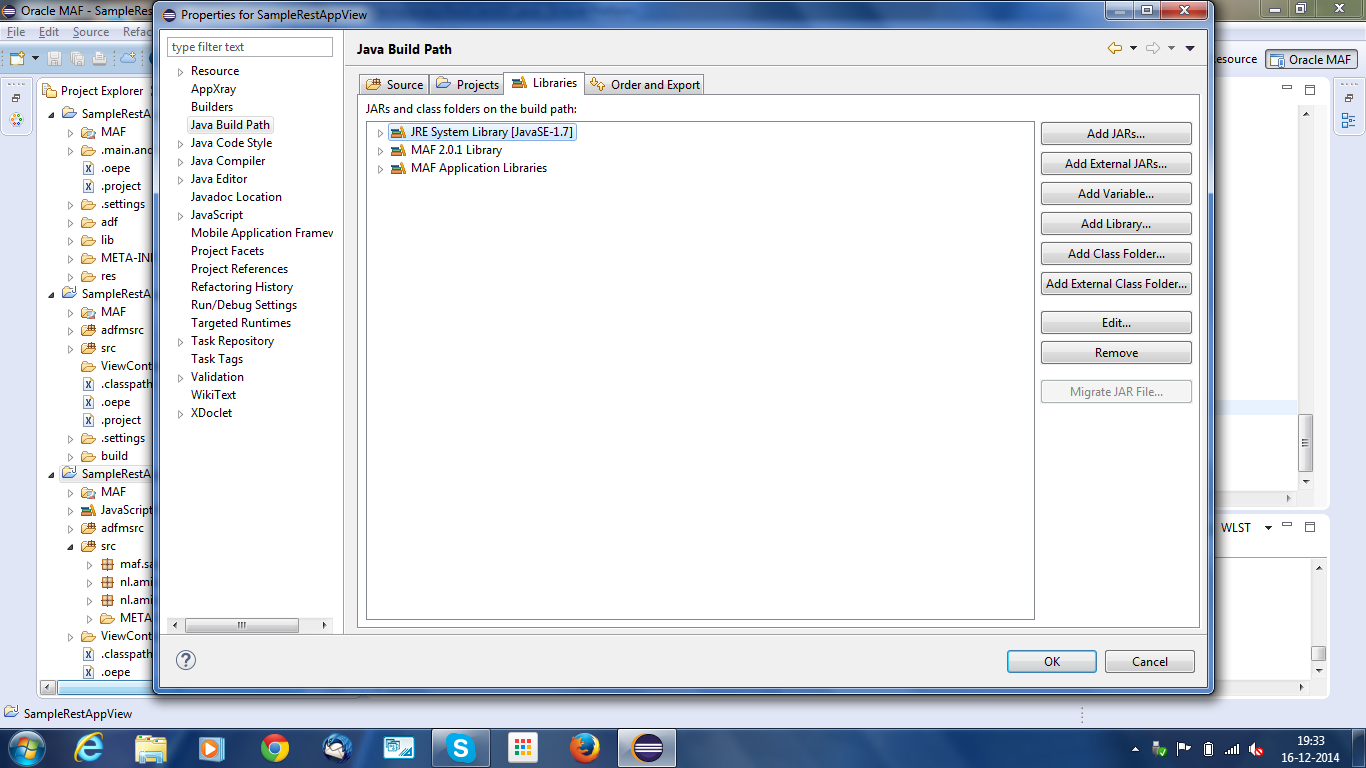
View project's Build path page
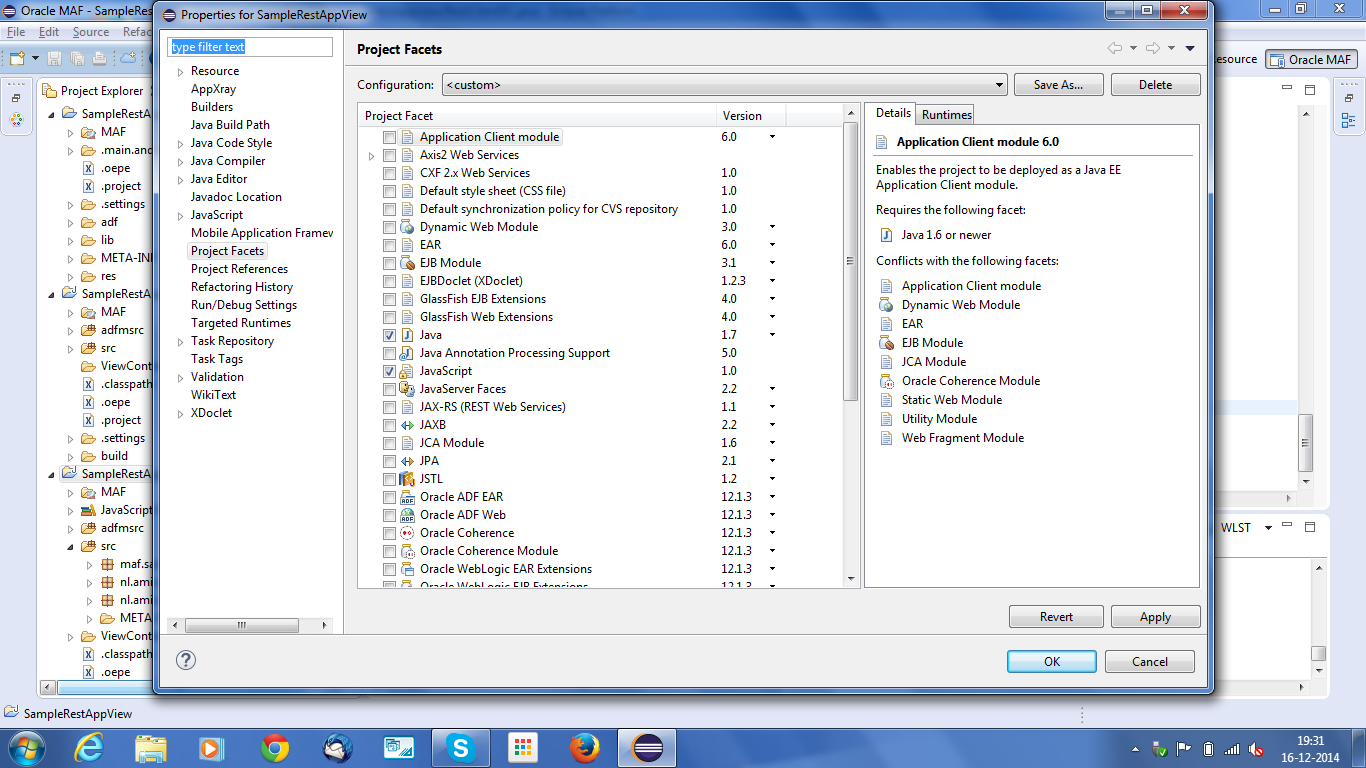
View Project's Facets Page
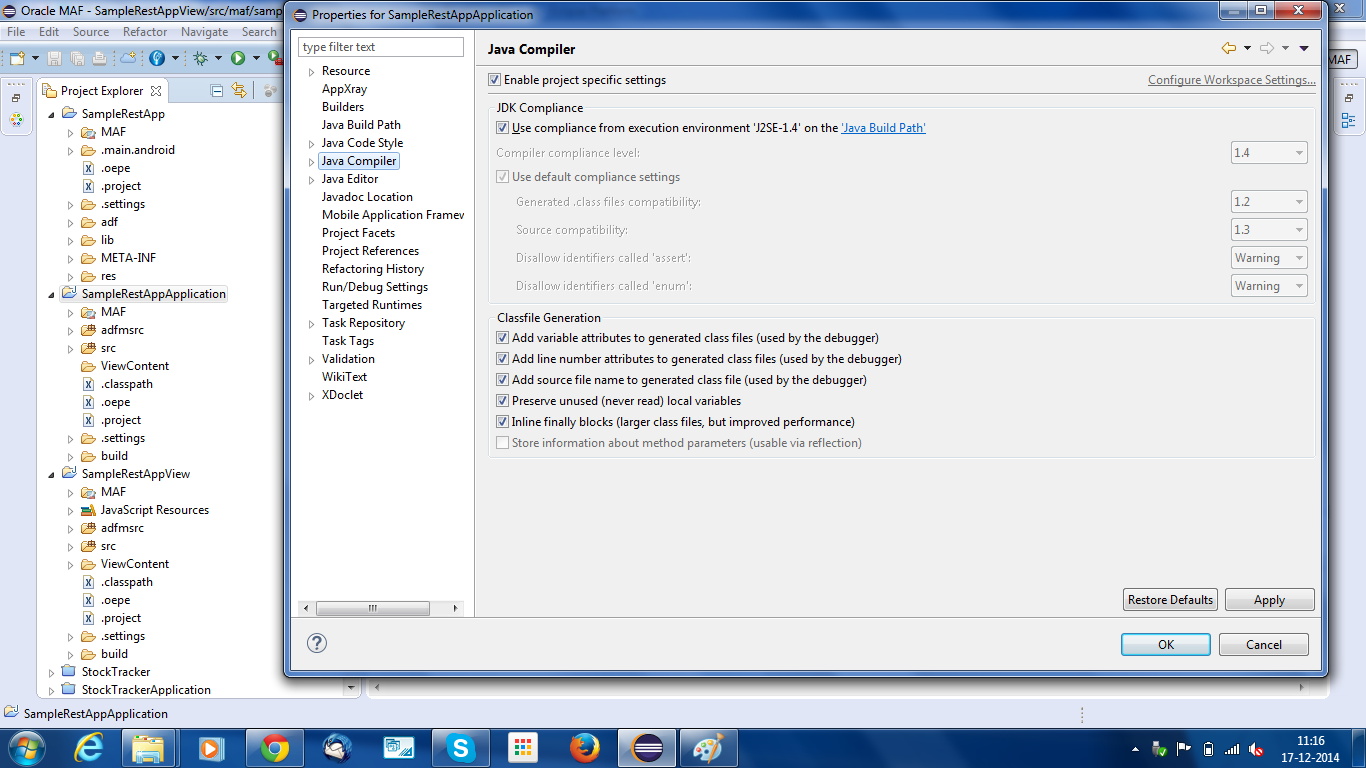
Application Project Compiler Page
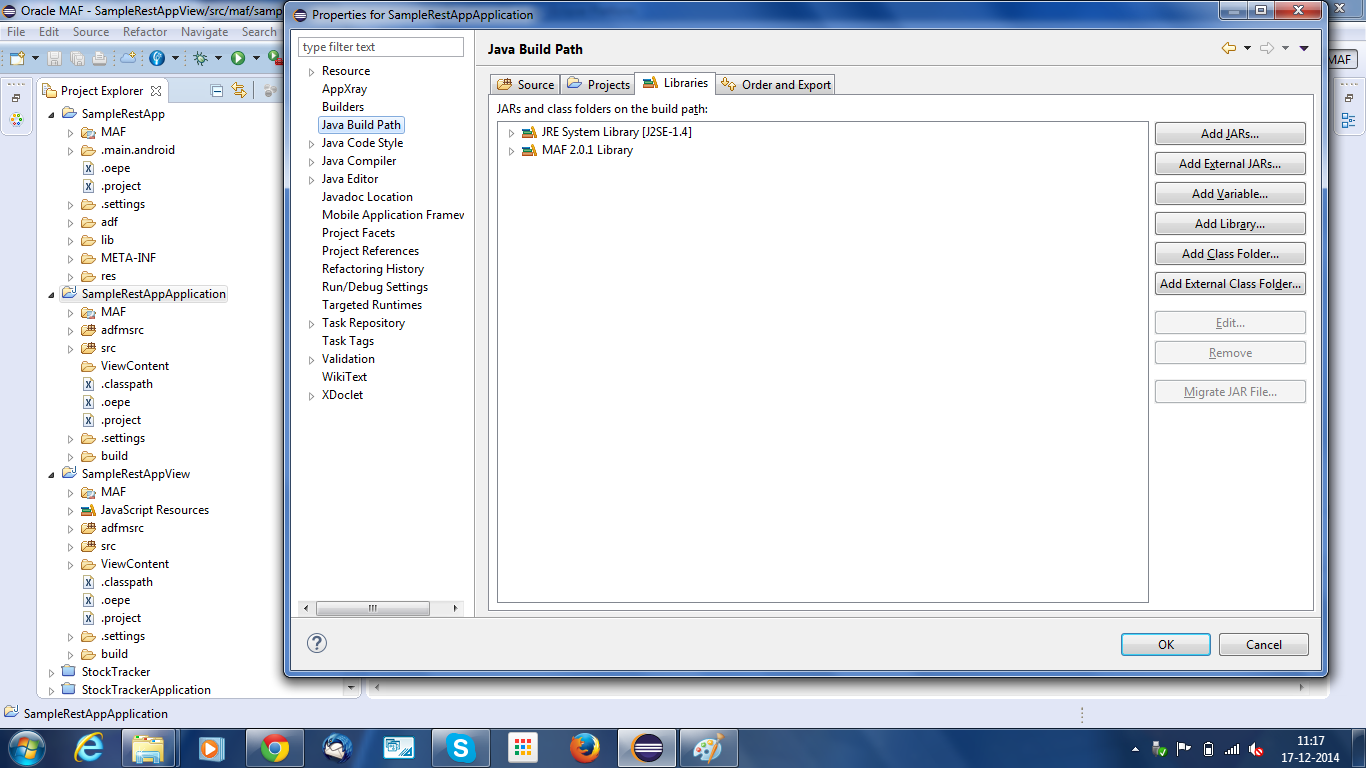
Application Project's Build Path Page
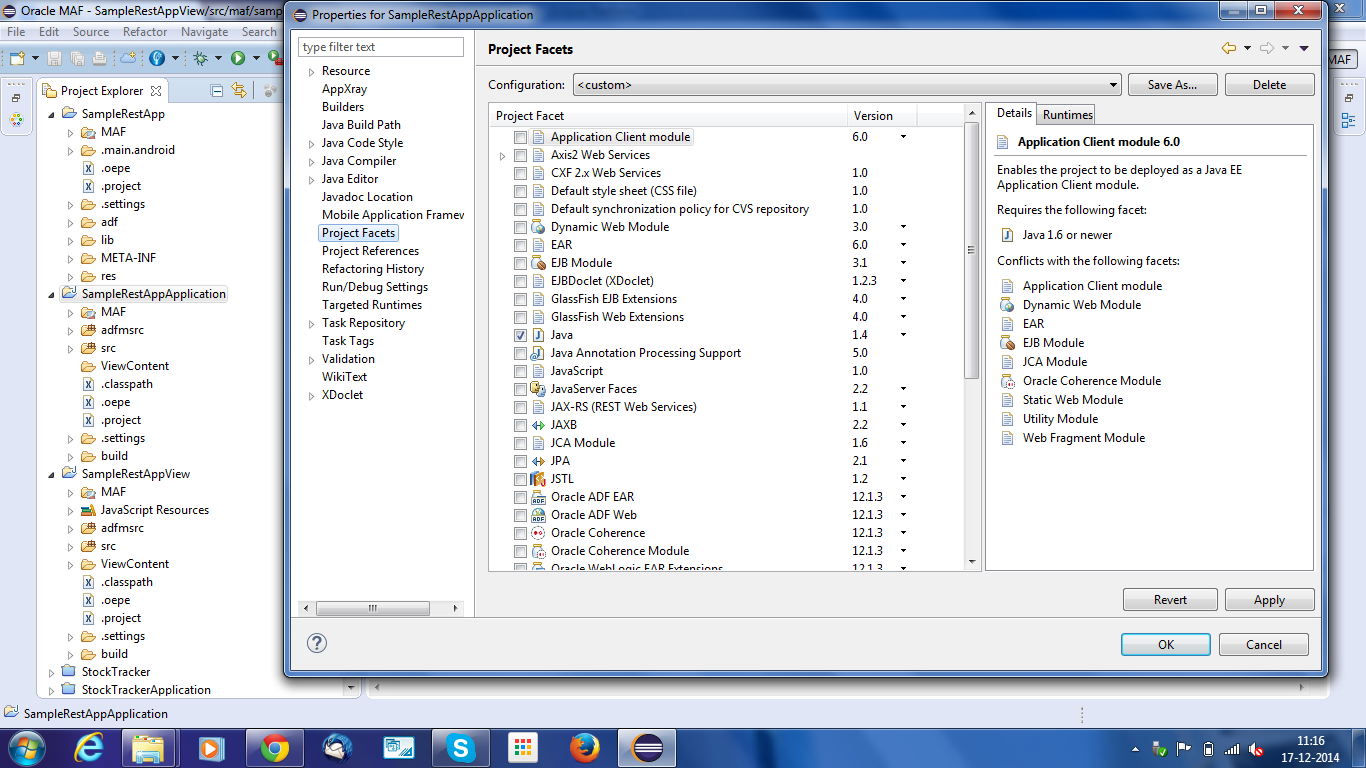
Application Project's Project Facets Page
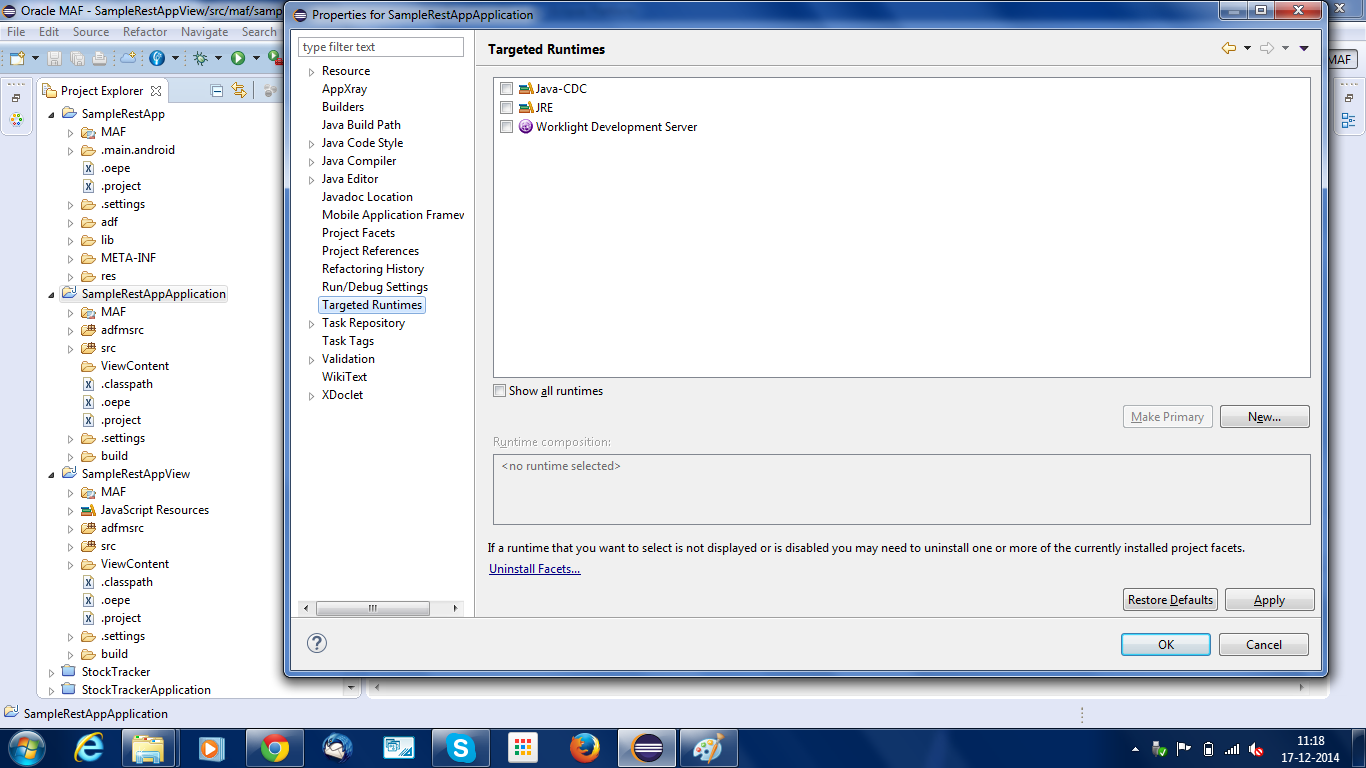
Application Project's Targeted Runtimes Page
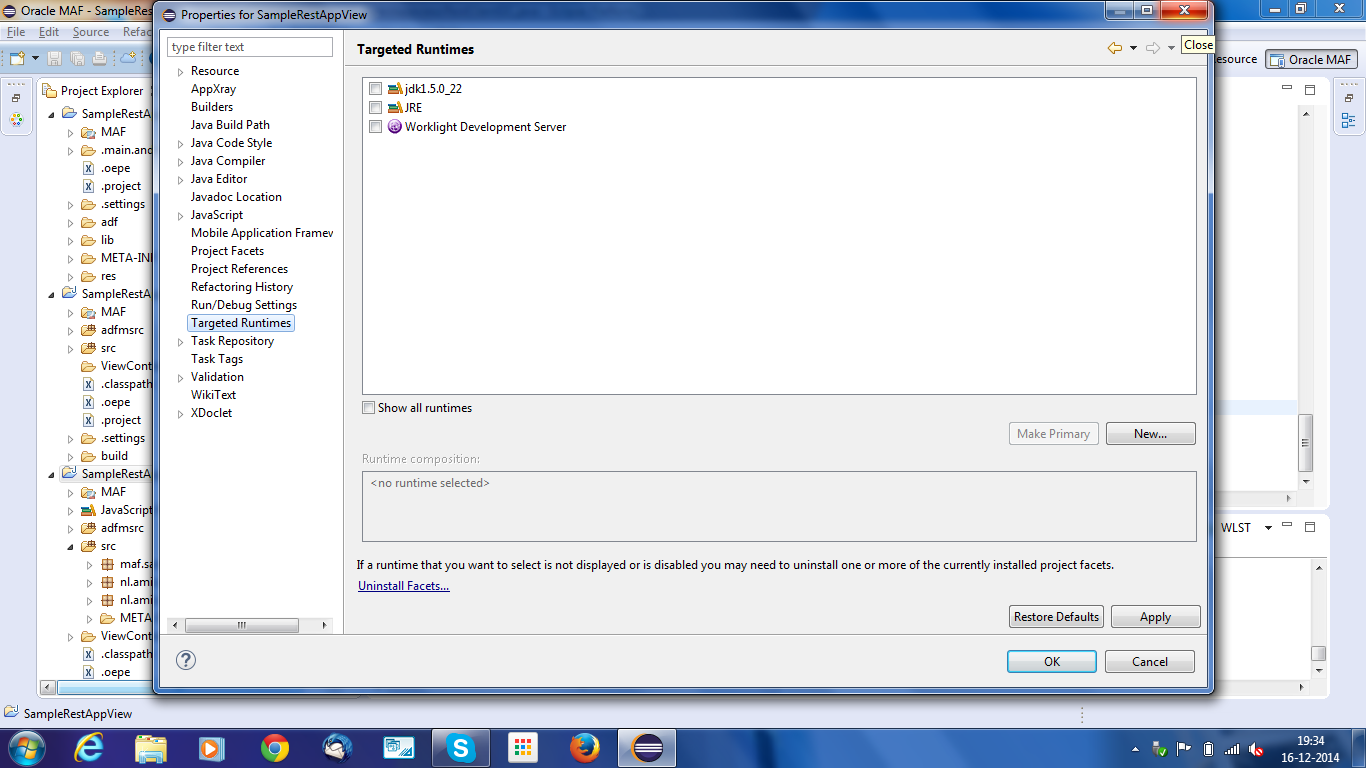
View Project's Targeted Runtimes Page
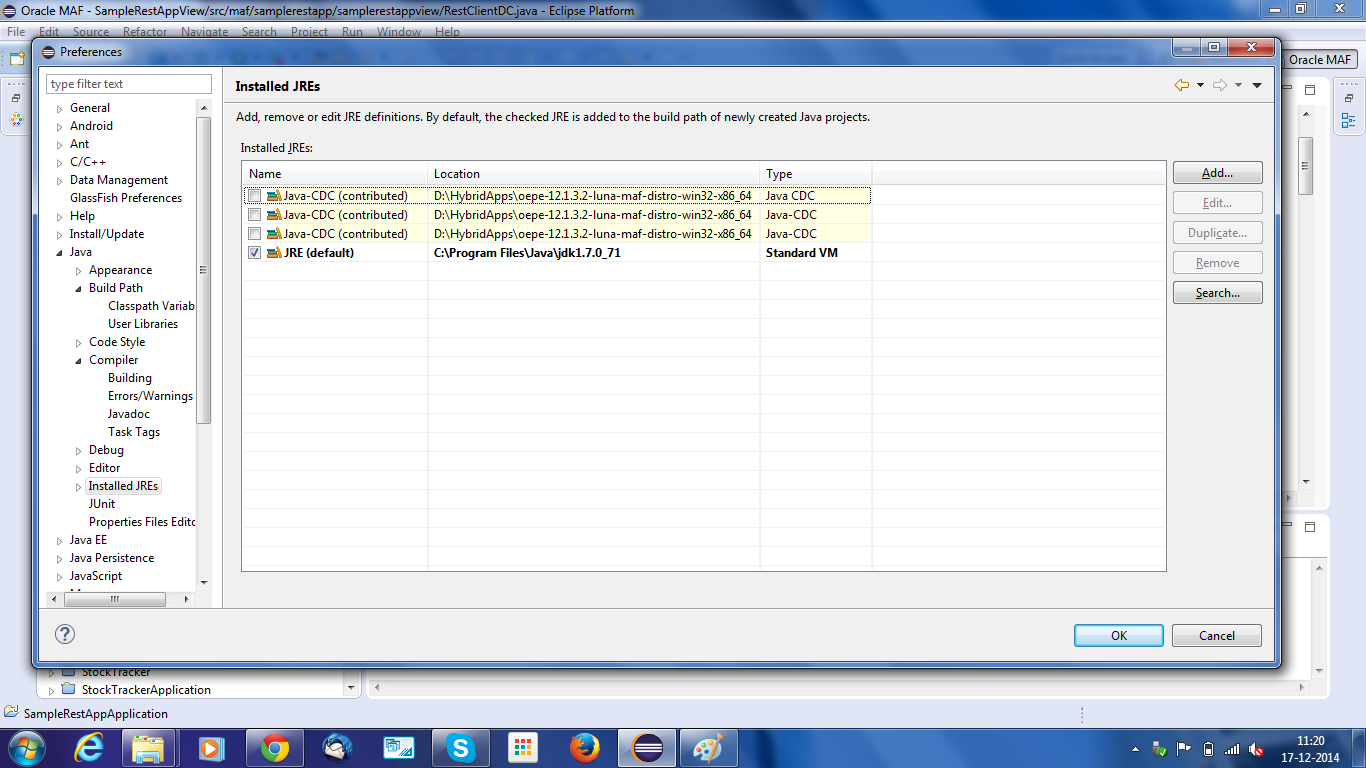
Windows > Preferences> Java > Installed JREs
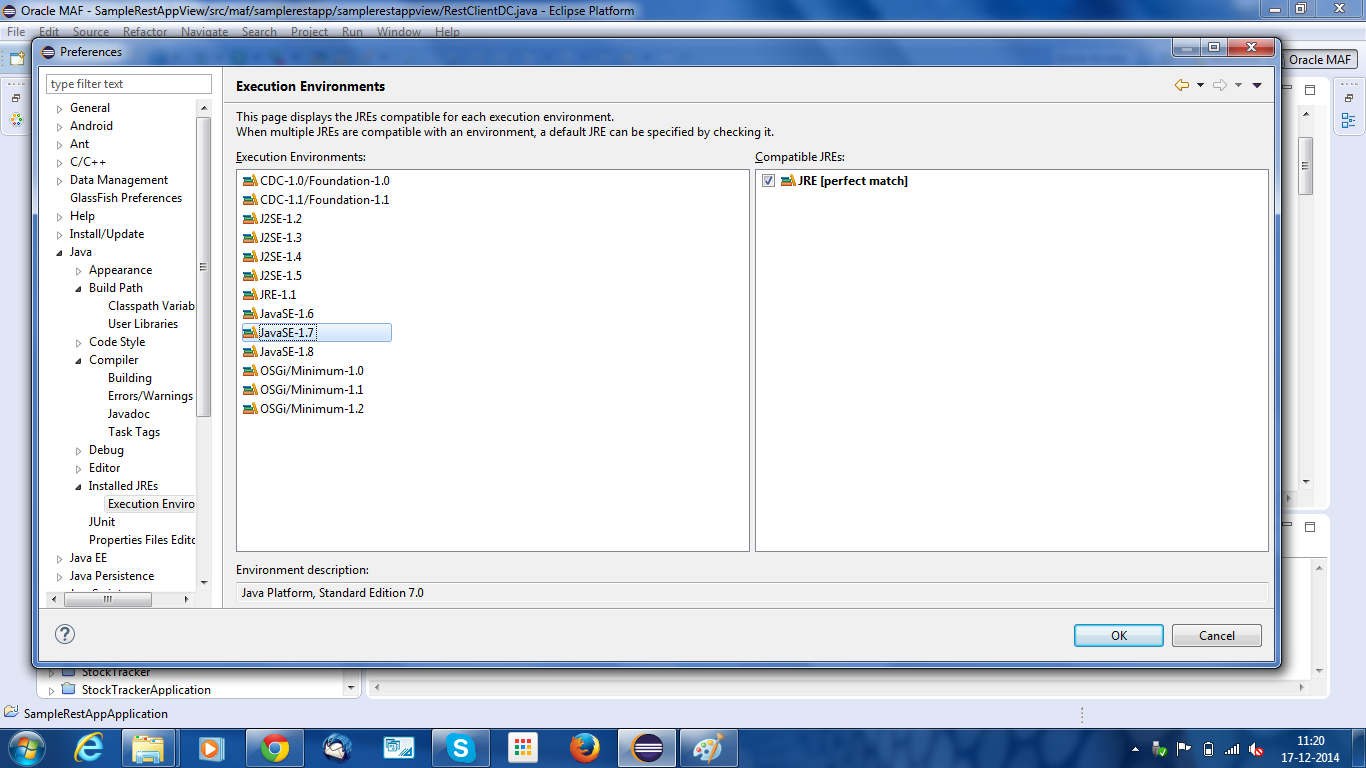
Windows > Preferences >Java > Installed JREs > Execution Environments
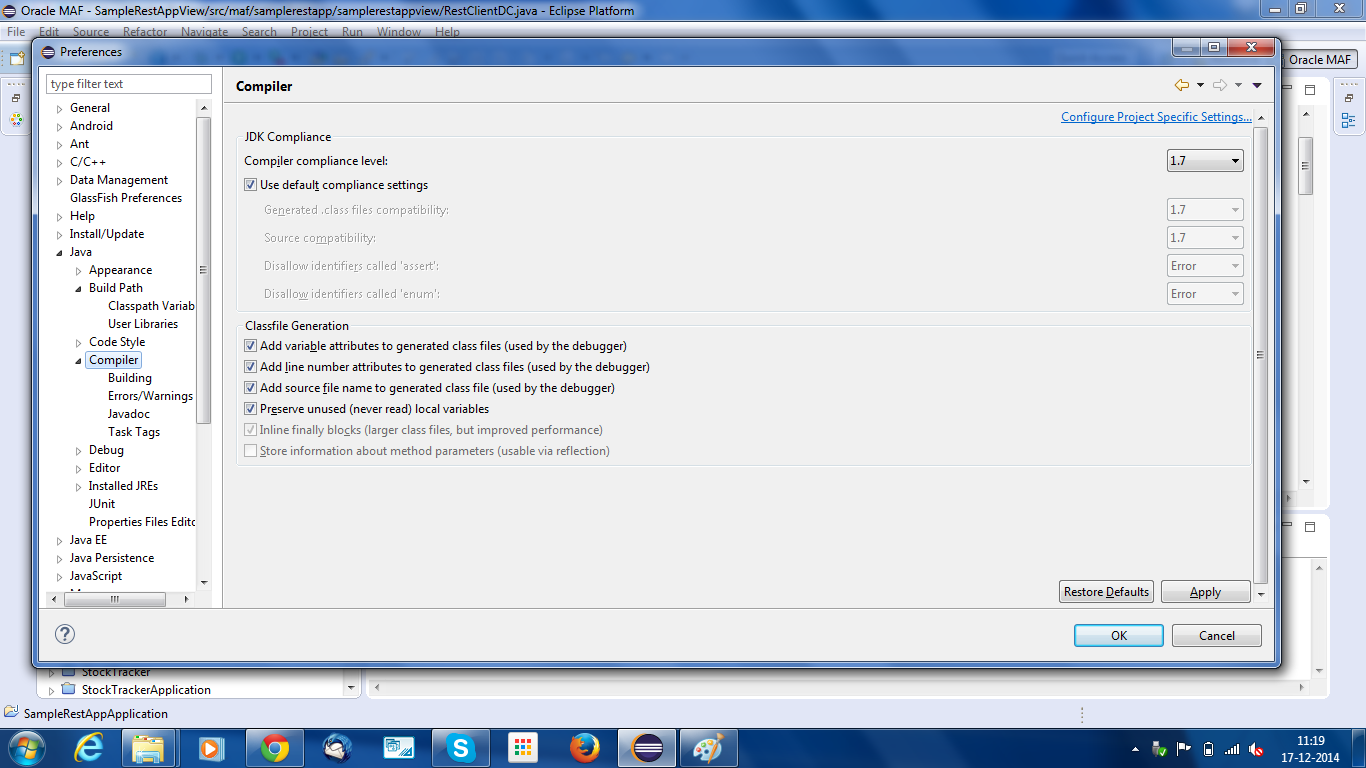
Windows > Preferences >Java > Compiler
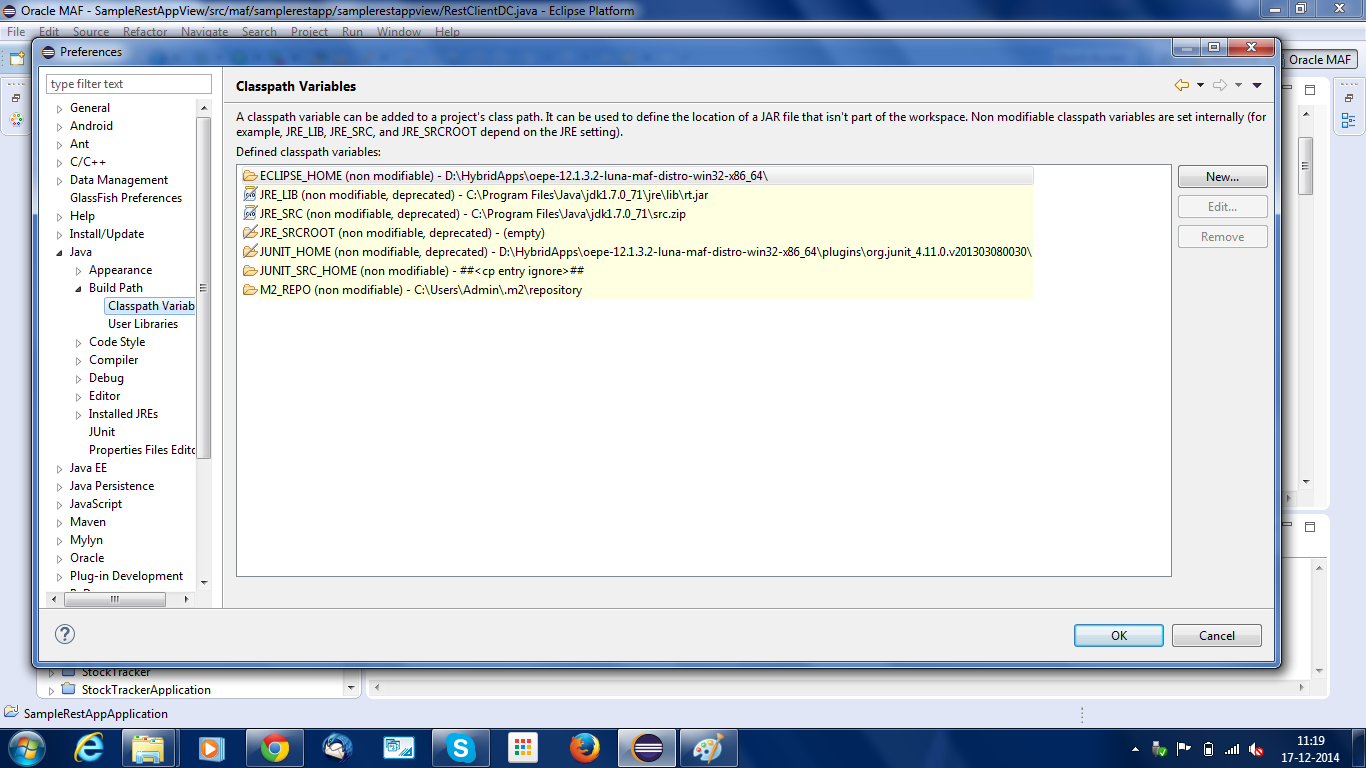
Windows > Preferences > Java > Build Path > Class Path Variables
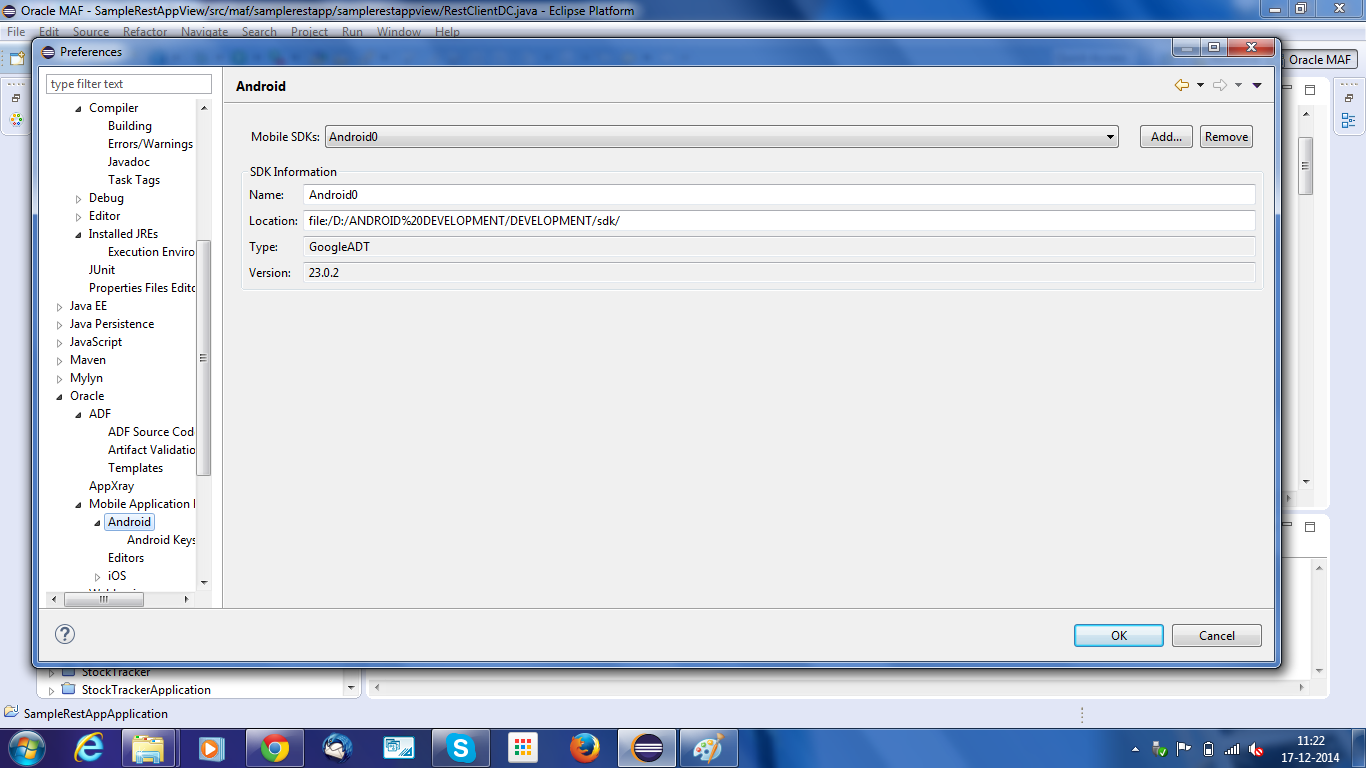
Windows > Preferences > MAF > Android SDK
I have attached the screenshots of all my project. Pleas help me in solving this issue.