Skip to Main Content

Cloud Platform

Announcement

For appeals, questions and feedback about Oracle Forums, please email oracle-forums-moderators_us@oracle.com. Technical questions should be asked in the appropriate category. Thank you!

Unable to open Weblogic Server Console from JCS

dbdb9093-2a3f-438a-8f3b-d3df6b13e7e1Aug 3 2017 — edited Sep 11 2017

I have just created a JCS instance and tried accessing the Weblogic Server Console and Fusion Middleware Control Console.

At first, it displayed the below message.
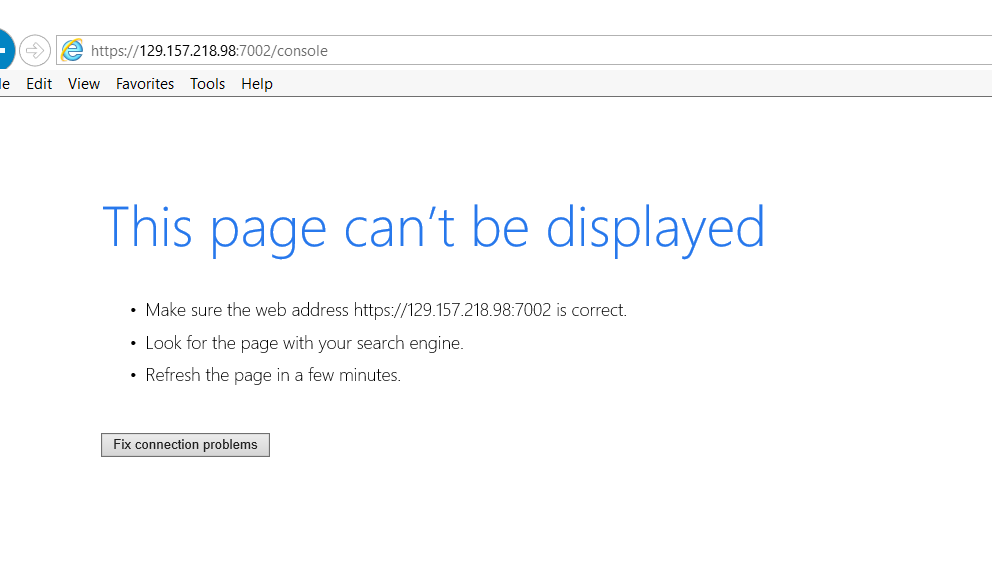
pastedImage_0.png

I've enabled all the access rules for the JCS instance and then it progressed to the below error.
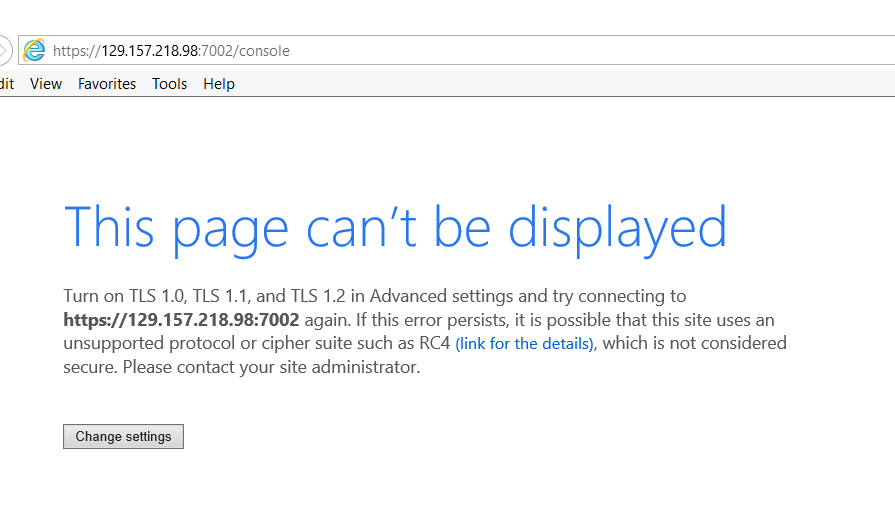
pastedImage_1.png

All the TLS settings are enabled and still we are facing the issue.

I didn't configure any settings. Just created the JCS instance and tried opening Weblogic Server Console.

Can somebody please help me.

Comments
Locked Post
New comments cannot be posted to this locked post.
Post Details
Locked on Oct 9 2017
Added on Aug 3 2017
4 comments
1,744 views