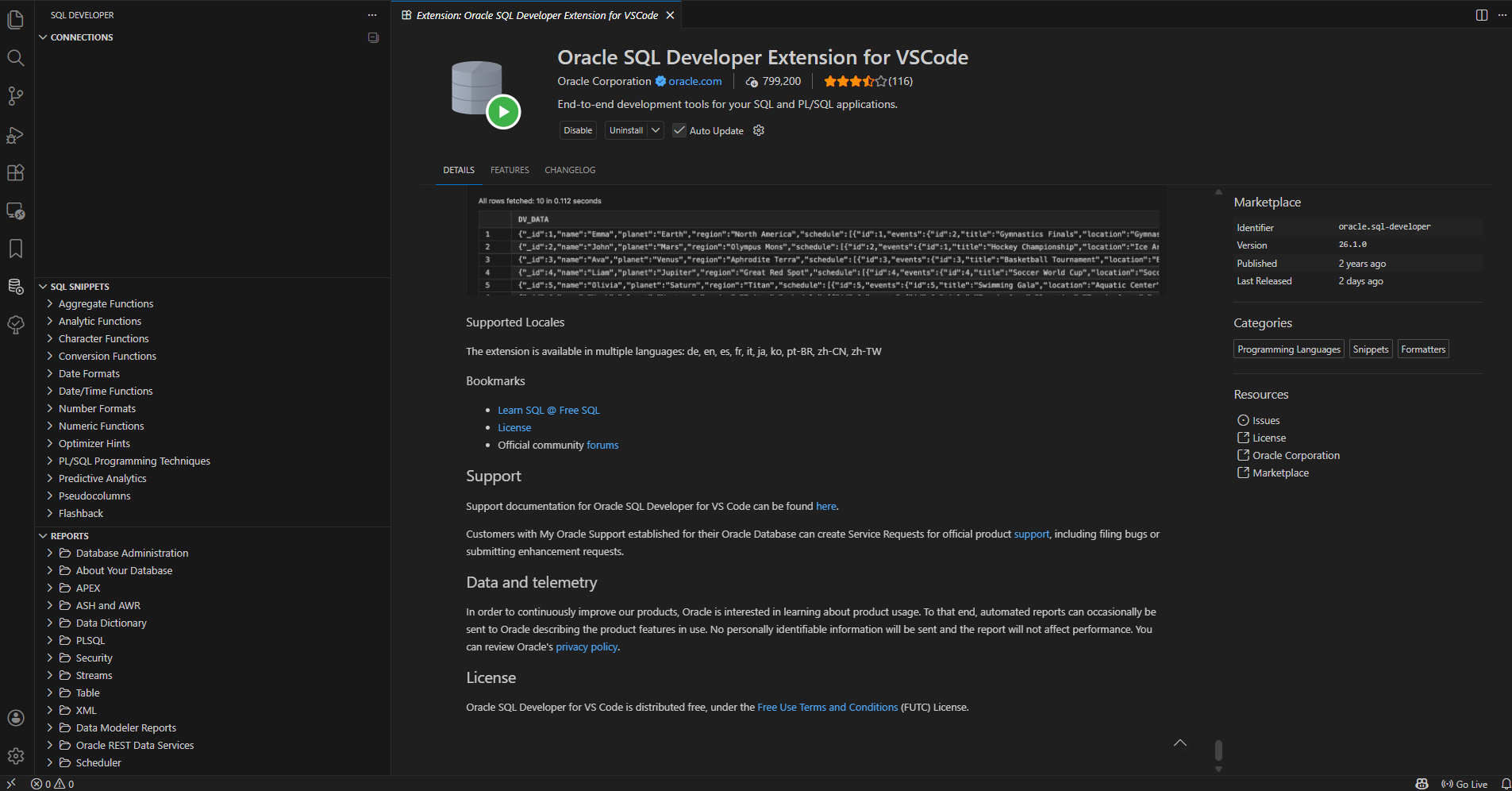
Upon installing the Oracle SQL Developer Extension for VSCode, there is no button present in the “CONNECTIONS” tab to add a database connection. I checked the user settings.json file for VSCode to check if there were any settings that could cause that and there aren't any pertaining the the extension. I also tried to see if I could run some create connection command with CTRL +SHIFT+P but there was no option. After multiple reinstallations and and an update, the issue still persists and I'm in need of some help on this.