Hi,
I am using APEX 19.2. I am trying to use public themes and having issues with template options not getting copied from public theme.
- I created a new application called "Company Branding (App 109)" in a workspace named SANDBOX with Universal Theme (42) applied to it. I added new templates to this App 109.
- I logged in as Instance Admin and under Manage Instance -> Public Themes, created a new Public Theme. I selected Workspace SANDBOX and "109 - Company Branding" as the application where the theme to be copied resides. I selected "42. Universal Theme" as the theme to copy. I chose 9999 as the new theme number and "My Public Universal Theme" as the theme name.
- I logged in back to SANDBOX and attempted to create a new application. For this new application, I wanted to apply "My Public Universal Theme" but under Appearance -> Use Custom Theme, there was no option to select public theme. Only "Workspace Theme" option is available.
- I went ahead and created a new application with Universal Theme. Then I switched the theme to "My Public Universal Theme". However, none of the template options are copied over from "My Public Universal Theme."
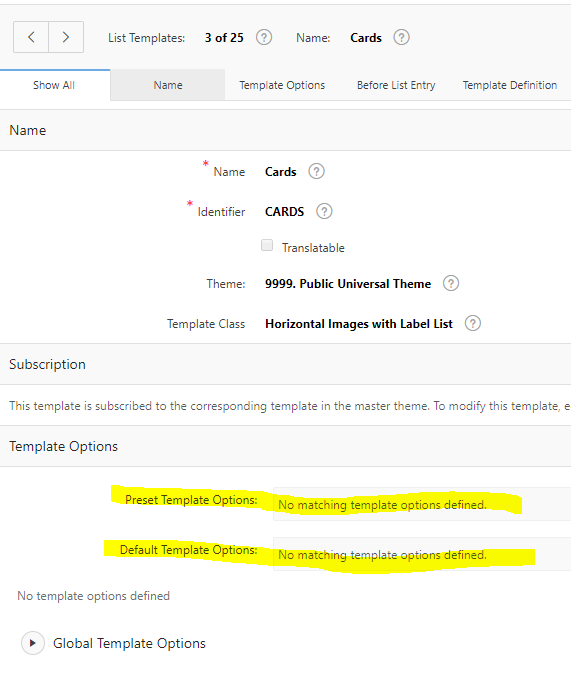
I have attached image below of template options showing as "No matching template options defined" in the subscribed theme.
Below is the image from the master theme.

Regards