Hi experts,
I'm using Apex 19.2 and I have a popup window with an IG in the bottom. My problem is that when the screen resolution is not big enough, I get the IG like this (there's actually 1 row in the IG but it's not displayed:

I'm playing with collapsible regions to solve this:
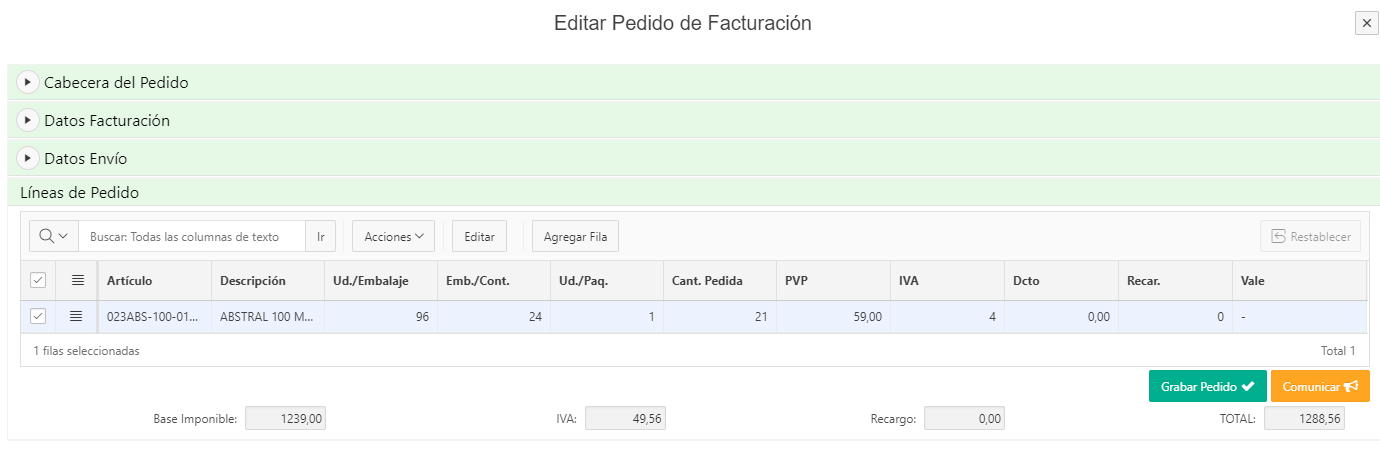
But again, if the resolution is not enough I get the same problem even if user collapses any of the regions.
I was wondering if it's possible to set collapsible status (Expanded/Collapsed) of the regions depending on the screen height, and make the page to open directly with some of the regions collapsed if the height of the resolution is below 768px.
Thanks,
Jose.