Steps to Configure Resource Scheduler(Start/Stop)
Step-1: (Service Enabling policy) : Allow any-user to manage instances in Tenancy where all {request.principal.type='resourceschedule'}
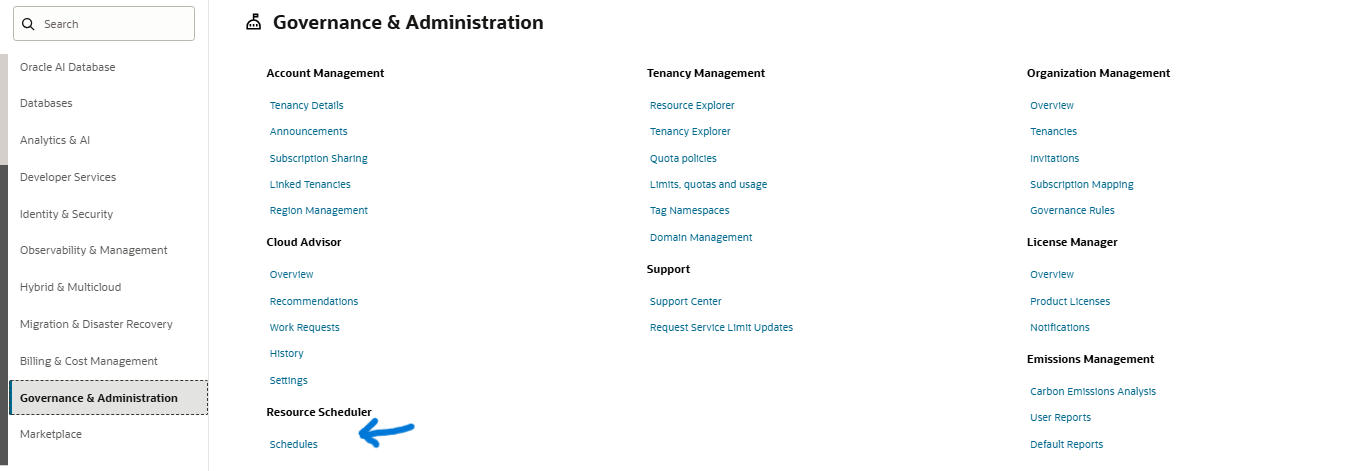
Step-2: Go to the Governance & Administration/Resource Scheduler/Schedules
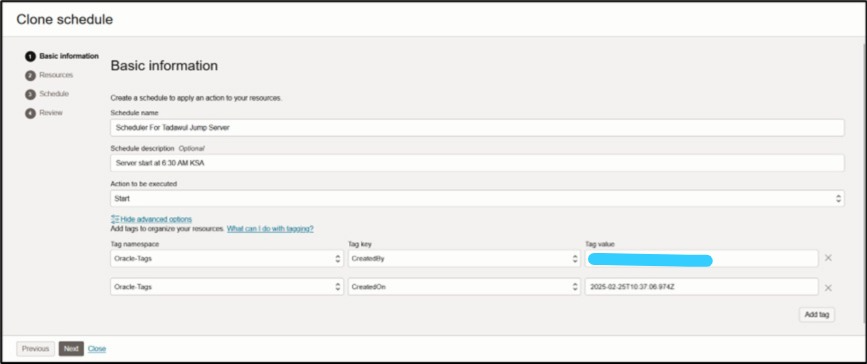
Step-3 : Creation of Scheduler for Start the Server
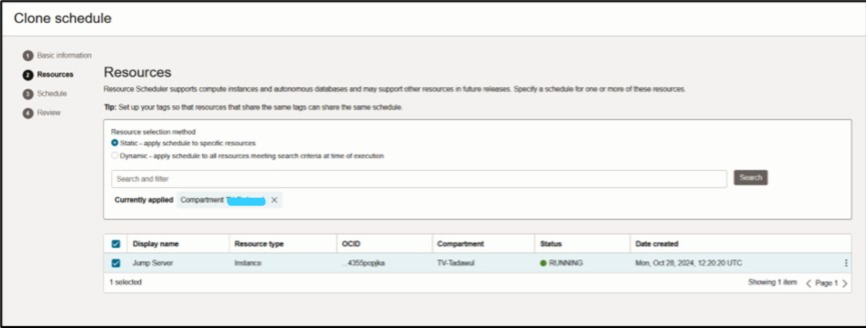
Step-4 : Select Resources From Compartment to Server
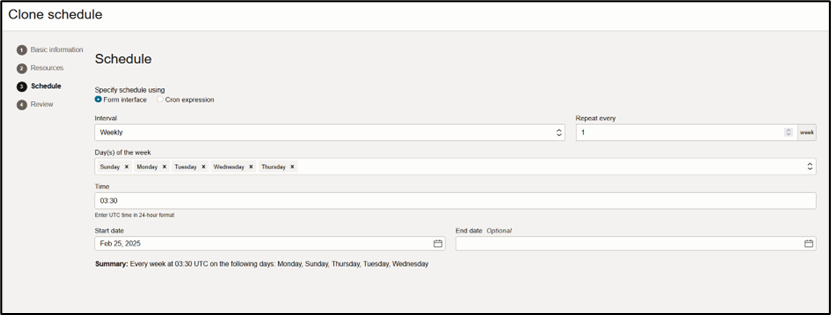
Step-5 : Select the Time Window
Click Next and then click Create schedule
Note: Can be provision with flexible days
Creating Schedular to Stop the Virtual Machine
Step-6 : Creation of Scheduler for Stop the Server
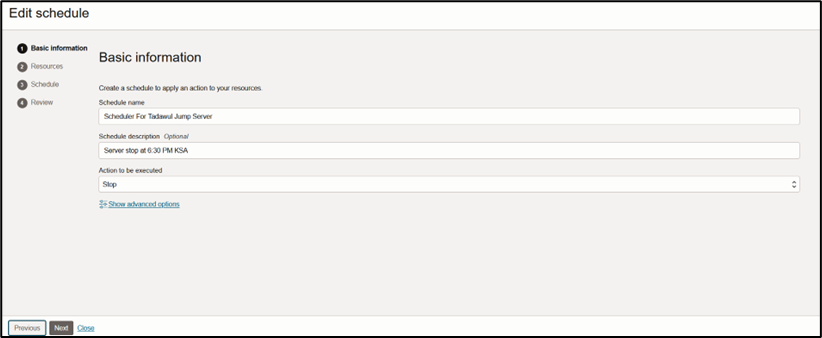
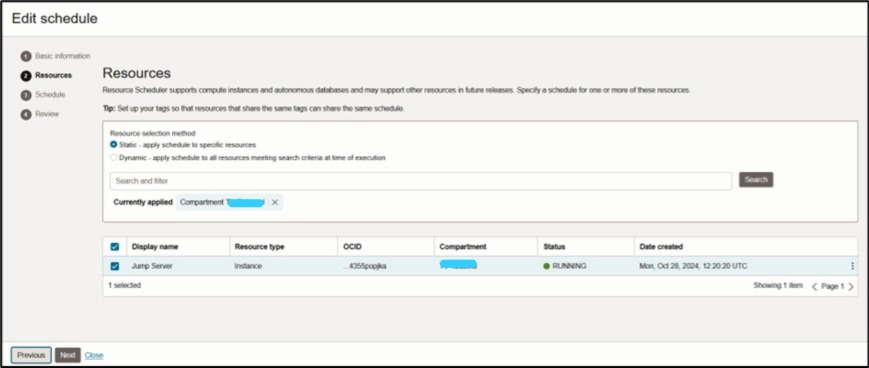
Step-7 : Select Resources From compartment to Server
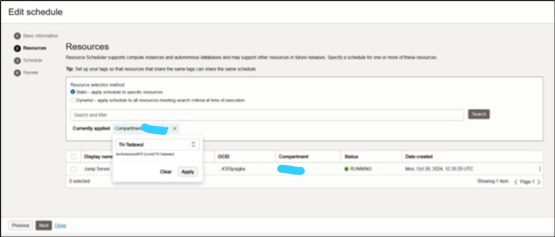
Step-8 : Click Next
Step-9 : Select the Time Window
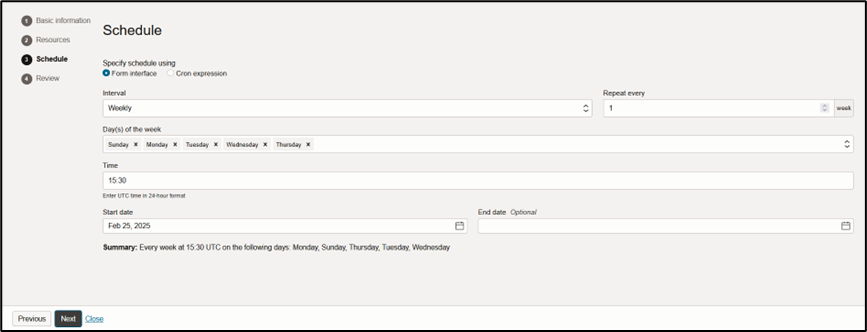
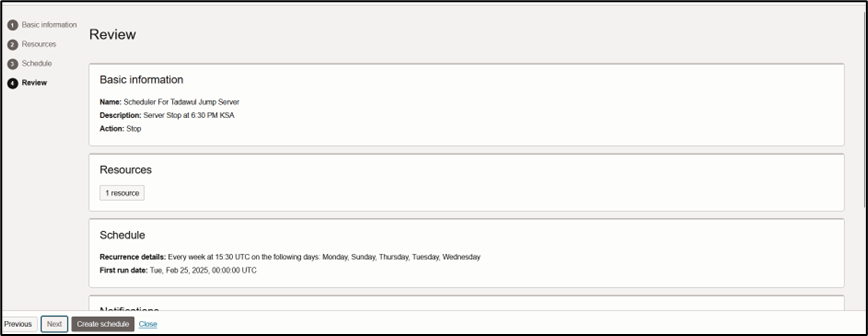
And Click Create schedule
Please do comment, if any changes required
Thanks,
Muhib Ali Qureshi