Hello dear Experts!
my application has several 'chapters' and every chapter has a 'title page'. On every title page there has to be an image that 'tells' something about the 'chapter'. These images are stored in the database within the table top_chapter_fotos. On every chapter-landing page I have created a report, that returns exactly one image: the image with the chapter name. The images stored in the database may be very large, or very small, but should be displayed in a certain size. Let's say 10% of the visible view pane on the monitor (tablet or phone) should display the image.
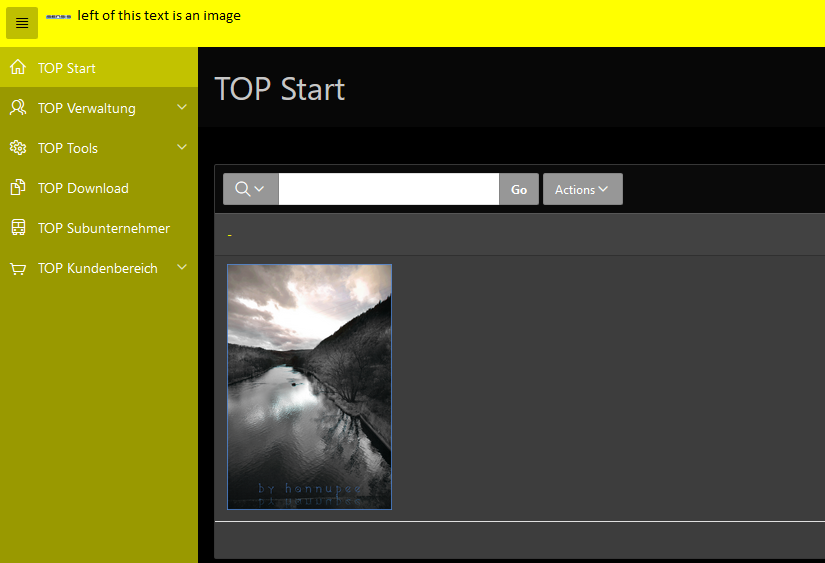
In this screen shot the logo of the company is not to be seen anymore, because of the property adjustment on page level under the CSS-property inline. Both images were reduced in size to 10% of their original size.
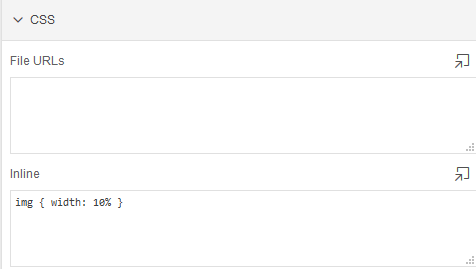
In the next screen shot, I have set the width to 150px instead of 10%. The logo is perfectly visible (sensis) but the 'chapter image' does not ring a bell anymore.

Can you please give me a tip, how I can fix this?
Thanks and cheers
Hans