Hi
We're on APEX 5.04 and have noticed that, since google chrome updated to Version 75.0.3770.100 last week, we are getting unusual behavior on standard download links against classic reports. Whilst the download button continues to work the user is forwarded to an page that just shows the following text (as an example)
wwv_flow.show?p_flow_id=115&p_flow_step_id=150&p_instance=16048753474201&p_debug=&p_request=FLOW_EXCEL_OUTPUT_R9469001721473547152_en-us
Refreshing the page or clicking back takes the user back to the normally rendered page again. I've confirmed that this behaviour is not seen on other browser types nor on chrome version before the stated release. The link on the report is, as an example,
javascript:window.location.href=apex.server.url({p_request: 'FLOW_EXCEL_OUTPUT_R9469001721473547152_en-us'},150);
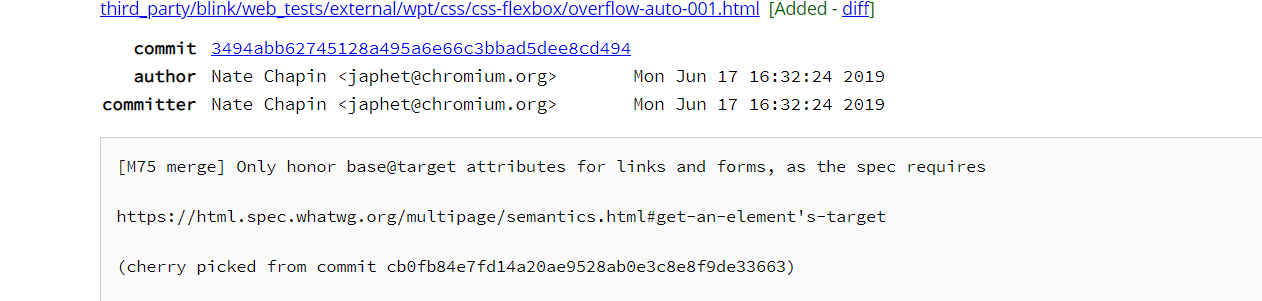
I think the change in behaviour may be something to do with this item in the chrome log but I am guessing and do not know if this is the case whether the new Chrome behaviour is correct or whether it's a bug
Wondering if anyone has any thoughts on workarounds for this?
Thanks
Simon