Hi,
I thought this would be straight forward yet after 6 hours I'm still not able to remove extra spaces/padding from cells in a classic report (same with interactive report)
format is Standard, theme is universal default 42, Apex 5
So many internet forums talking about CSS code but no one explain where to put it in Apex and how to put in Apex. That is the problem. No one really knows. So I wonder if there is a way to remove those extra spaces and reports in Apex. Please explain where to put the CSS code, do not just type the CSS or JS or whatever code... explain which property and in which objects to use to put it in Apex
I want to remove/control space in between rows, see screenshots
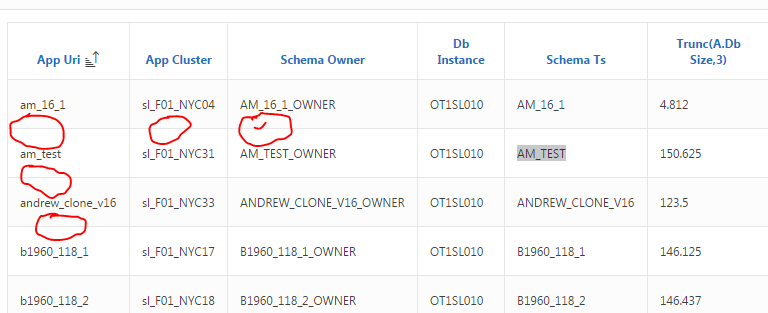
Thank you,
Ayman