HI There
Using 12.2.21.497 just freshly downloaded from edelivery.oracle.com.
Previewing Redwood Theme gives the following (see video here https://www.screencast.com/t/LWWfaod7Y) :
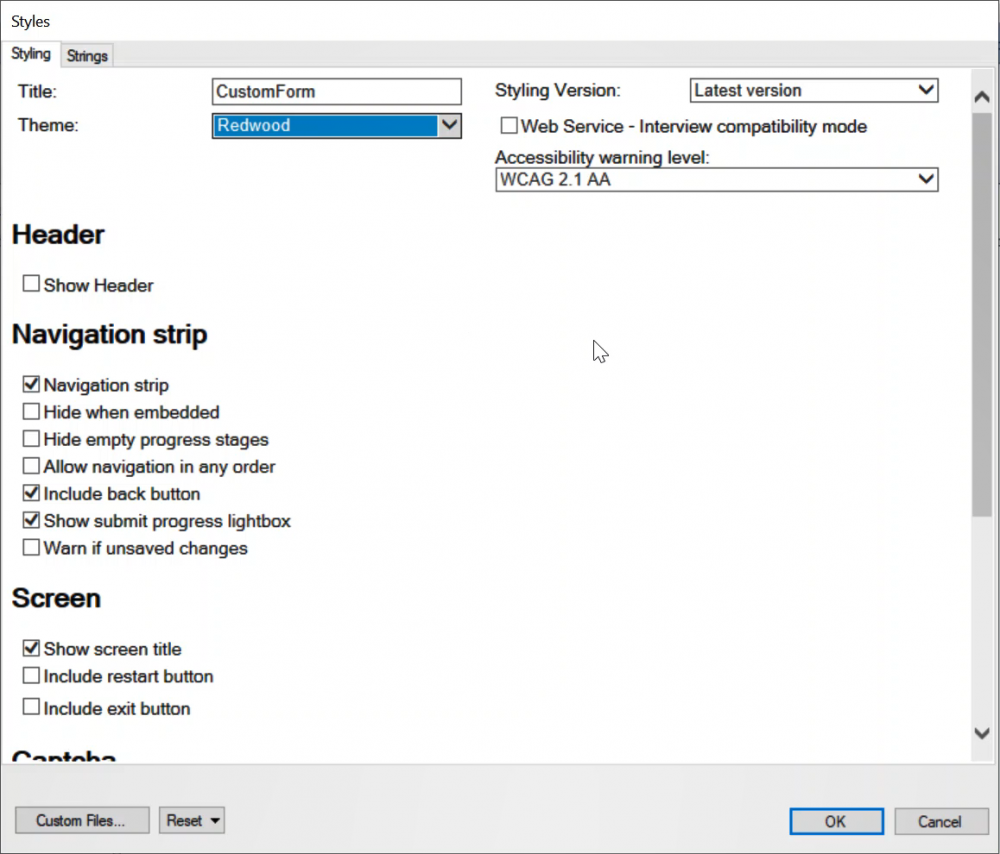 When debugging or opening an Interview:
I can see modern-redwood.js in the payload and a successful download of https://static.oracle.com/cdn/jet/9.1.0/default/css/redwood/oj-redwood-min.css.
 Debugging in the embedded IE11 or in the Browser gives a white screen unless connected to the Internet to download the CSS file..
Now for some questions :
- Does the default behaviour load the CSS from an Oracle CDN? It implies that I must have an Internet connection if I want to see Redwood in an Interview?
- Even with an Internet Connection, the Style Editing dialog behavior is as described - white screen in Styles dialog. There is no preview such as is visible with the other themes.
- Does this mean there is some set of files missing from the distribution? [Edit 1/13/21 Or is there an option to not download from the CDN?]
Cheers