I downloaded the Oracle Database 12c Release 2 (12.2.0.1.0) for Microsoft Windows (x64). Uziped it and double-clicked the setup.exe file.
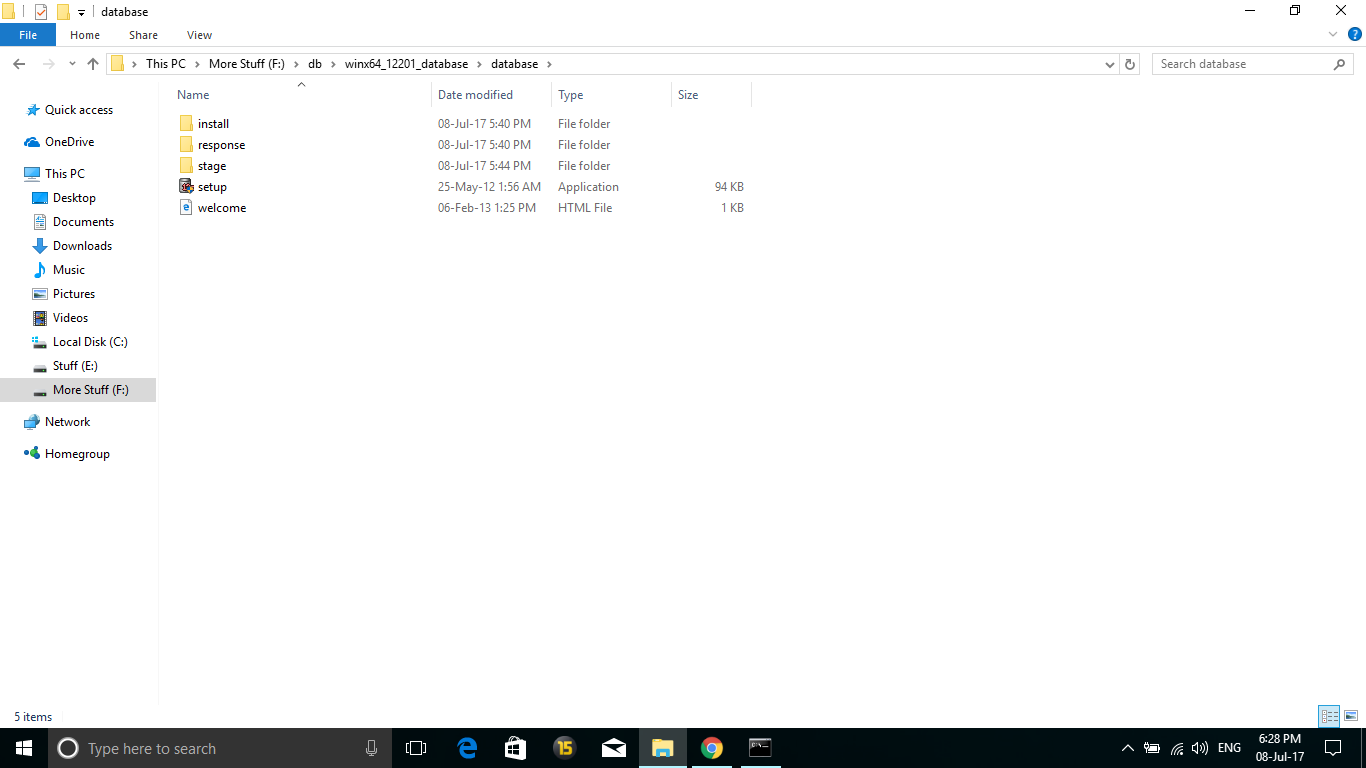
This happened when I open setup.exe:
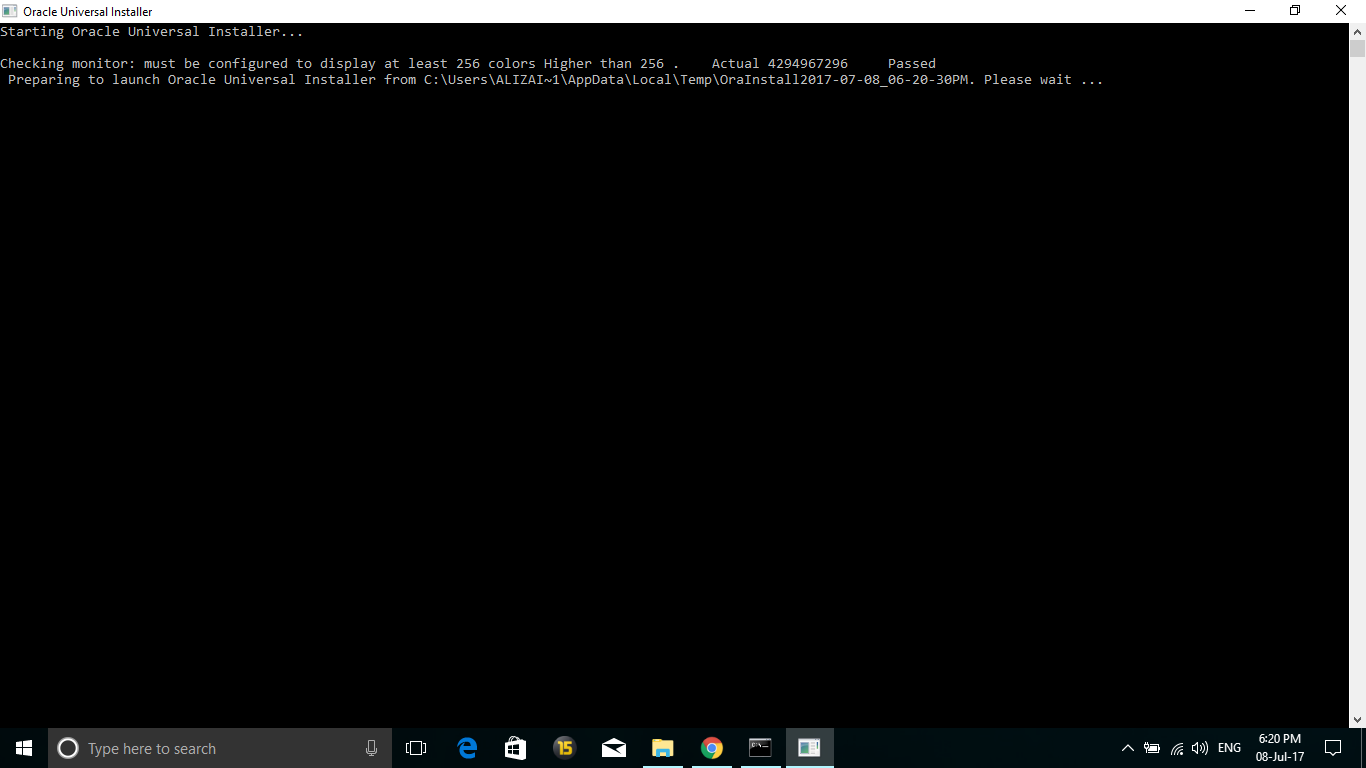
It made me wait a while and then this appeared:
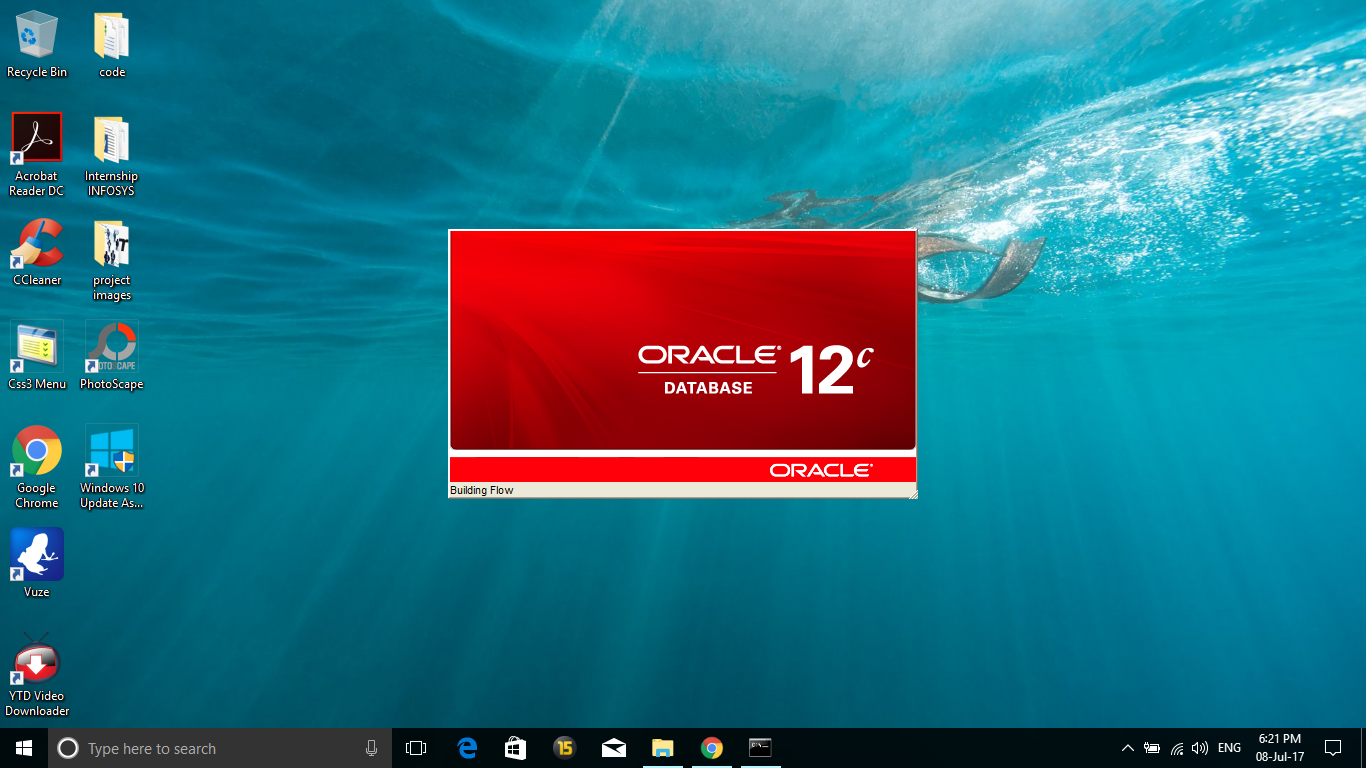
Then this changed to this:
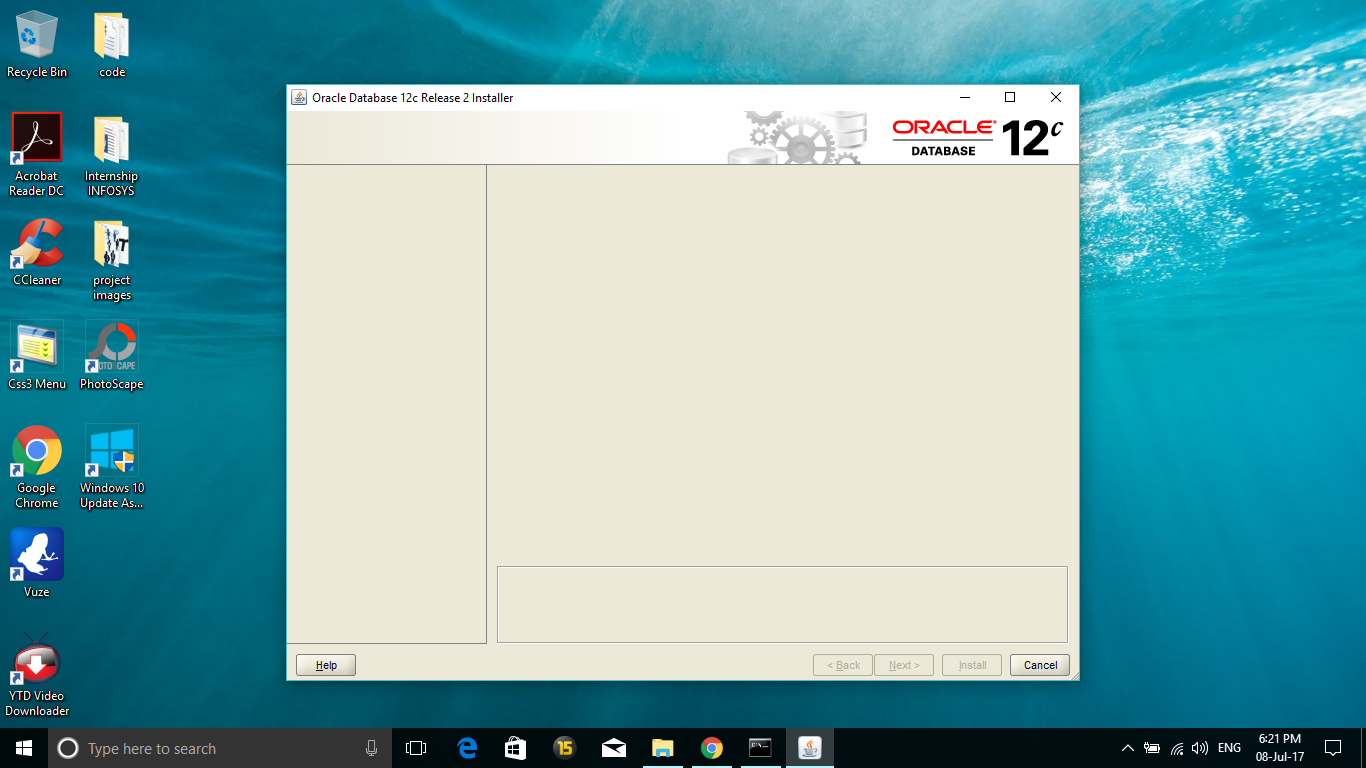
But after this the installer crashed, and nothing happened. No errors, no processes running, nothing at all.
I tried installing it in Command Prompt by using -ignoreSysPrereqs but it did not work. Same thing happened.
I ran it in compatibility with all Windows versions available (8, 7, Vista) but it did not work. Same thing again. Just crashed.
I searched quite a lot on the community and elsewhere but got no solution so finally had to post here myself.
I am using Windows 10 64-bit Operating System, x64-based processor.