Hello there,
We are migrating our mobile application from v8.1.0 to v9.1.0.
We have done the recommended JET parts(for v9.0.0 and v9.1.0) followed the migrating v9.0.0 and v9.1.0 paths in releases notes + Jet Dev documentation
This application is served from a Oracle Linux VM running :
Oracle Linux Server release 7.3
NODE v12.18.4 (Lts)
NPM v6.14.6
Cordova v9.0.0.
OJET-CLI v9.1.0
IDE: Visual-Code (Latest v1.49.3)
Oracle JET Audit Framework installed (and uninstalled to make sure it has no conflict)
Command to serve: ojet serve android --browser / I've tried with the --no-livereload flag too
When serving the application I receive a error (non-blocking) message in my terminal:
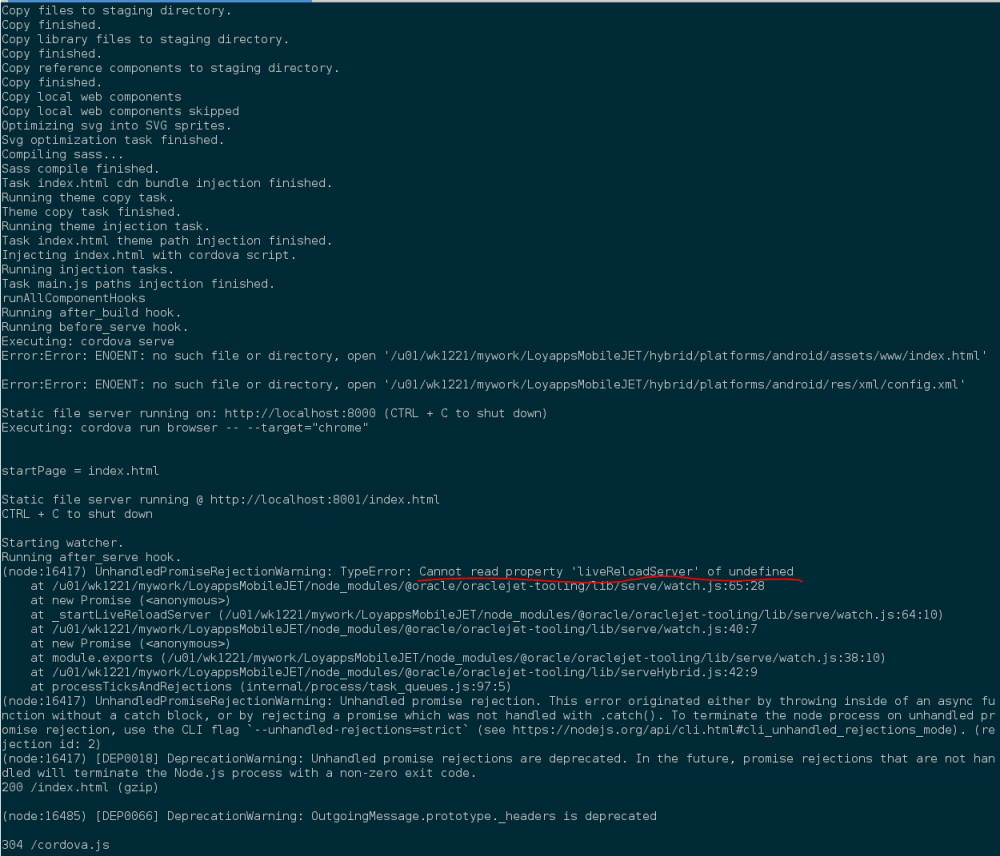 This error appears before I moved from node v10.17.0 and npm v6.1.3.14 to Node v12.18.4 and npm 6.14.6. None of my setup has been changed from the last dev in OJET v.8.1.0.
Application is served properly but when I save in VS Code it doesn't refresh the app and the browser is not refreshed as well. Not a "big" issue, but now when I save, application livereload doens't compile all modified files and doens't refresh the application as well. Nothing happenned.
I need to kill the application, serve it again to see my changes.
I've tried with a previous version of Node + NPM (even though I don't think the problem is coming from these tools).
I've also re-installed VS-Code
I've created a fresh Hybrid app with the recommended command from scratch => ojet create MySampleApp --hybrid --appname="Sample NavBar" --template=navbar --platform=android
I've npm install and served the fresh application, same problem occurs. Same message too:
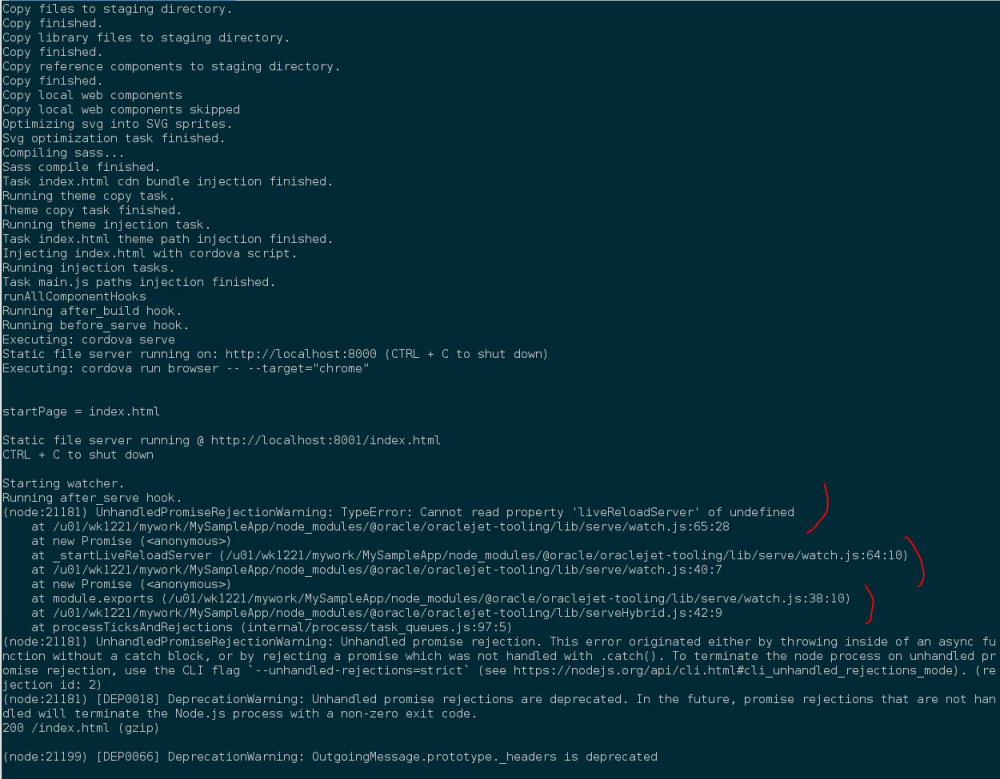
It sounds like an Oracle-jet-tooling issue don't you think?
Thanks for your prompt reply,
Best regards.
Sylvain