Web-adi development.
Defining the Integrator in Oracle EBS using Desktop Integration Manager
Version - 12.1.2.0
The interface table has 40+ columns.
While creating new Integrator, when I defining interface attributes:
1. by default it is showing only 25 rows (columns from interface table)
Question - How to increase the no of rows from 25 to 50?
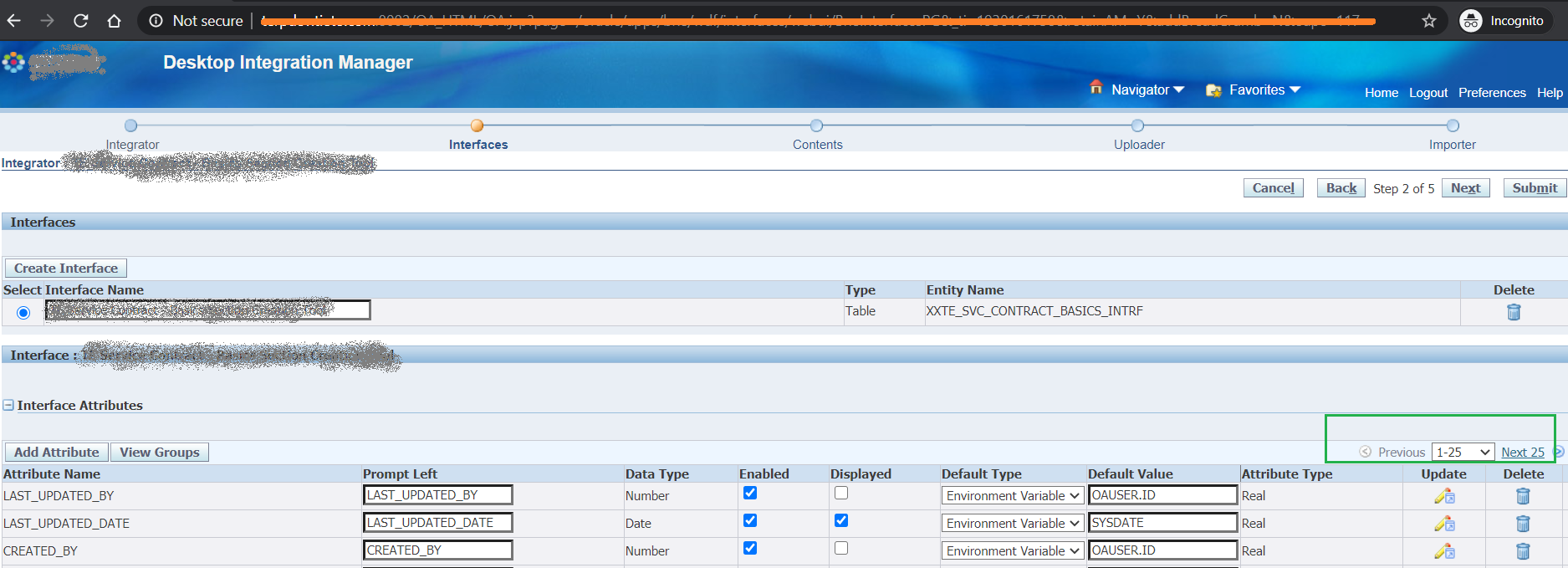
2. If I use "Next" button and move to next set of columns and then
\* Modify something

\* Submit the changes then it is giving error

   Error: Stale Data

   The requested page contains stale data. This error could have been caused through the use of the browser's navigation buttons (the browser Back button, for example).
