Hello
I'm having a problem with Oracle developer tools for Visual Studio 2019.
The silent command line installation of ODTforVS2019_193000.vsix with VSIXInstaller.exe being admin behaves well.
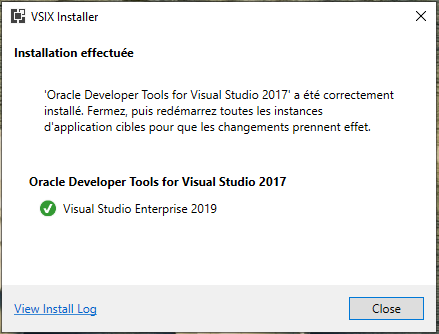
Then in VS 2019 (simple user) if we make a connection a message indicates that Oracle developer tools is not correctly configured. You must close the application and finalize the configuration with the "next" button.
The problem is that our users do not have admin rights and this configuration is not done despite a success message. At each connection attempt this message appears.
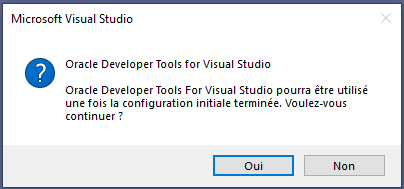

If I run VS2019 in admin then this message disappears after finalizing the configuration.
How can automate the update of Oracle developer tools from command line?
Thanks for your help.
Microsoft Visual Studio Enterprise 2019
Version 16.4.5
Windows10 Education 1809