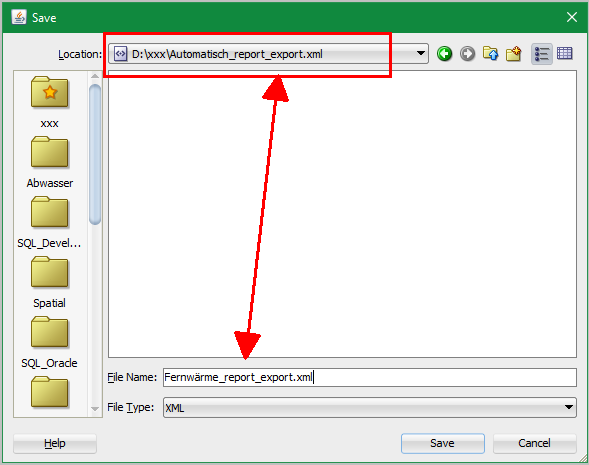
the last time I opened and saved a lot of user defined reports, and sometimes(?) there is a confusion between filename and folder. Maybe it's a basic feature of java tools - I don't know
Example:
- User defined report - right click on a folder - save as ....
- As "Location" in the top of the "save - dialogue" appears (sometimes?) not a folder, but a full file (usually the last used filename): d:\data\my_reports.xml
(In other cases, in "Location" a folder is displayed, but in "filename" there is a folder-like name: report_export.xml/report_export.xml
- When I try to save with these settings or changed the filename to "test_report", it seems to save under d:\data\my_reports.xml\test_report.xml" and it creates an error: "Unable to open file"
Bug or feature?