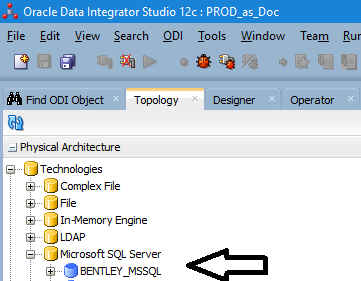
I am simply adding a new ms sql server server under 12c ODI Topology Physical Architecture.
I use this JDBC Driver:
weblogic.jdbc.sqlserver.SQLServerDriver
I get this error when I click the Test connection button (and I run it as the odi agent)
Error = [Microsoft][ODBC Driver 13 for SQL Server][SQL Server]Login failed for user 'mydomain\domainuser'.
I have tried several different syntax's including these for the JDBC URL:
jdbc:weblogic:sqlserver://mssqlservr1\instanceXXX;DatabaseName=myDB;integratedSecurity=true;User=mydomain\domainuser;Password=myPass;
jdbc:weblogic:sqlserver://mssqlservr1\instanceXXX;DatabaseName=myDB;integratedSecurity=true;User=mydomain\domainuser;
jdbc:weblogic:sqlserver://mssqlservr1\instanceXXX;DatabaseName=myDB;integratedSecurity=true;User=mydomain\\domainuser;
jdbc:weblogic:sqlserver://mssqlservr1\instanceXXX;DatabaseName=myDB;integratedSecurity=true;Trusted_Connection=Yes;
jdbc:weblogic:sqlserver://mssqlservr1\instanceXXX;DatabaseName=myDB;integratedSecurity=true;
For what it is worth, this BCP command works successfully from the command line
BCP "select top 10 * from myDB.dbo.someTable" queryout test_out.csv -c -t ~ -r \n -T -S mysqlservr1\instanceXXX -U mydomain\\domainuser -P myPass
Can someone provide some guidance for me?
Note: I have been able to setup other ms sql server connections in our ODI, but I do not believe I have used integrated authentication (trusted connection)