OCI Recursive Instance & Storage Auditor (Full Inventory)
Description:
Scans all compartments for instances, networking, boot volume sizes, and aggregated block volume storage data.
Please Note: This script works on regional level
First go to OCI Cloud Shell

Create a file for Bash script (eg., inventory.sh)

Copy the code
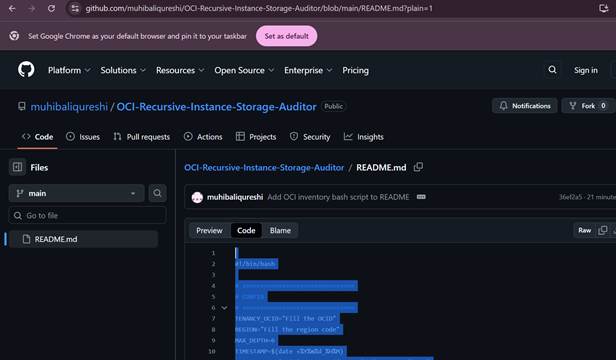
Script Link:
https://github.com/muhibaliqureshi/OCI-Recursive-Instance-Storage-Auditor/blob/main/README.md?plain=1
Note: Copy the script from the repository and Fill the Tenancy Id and Region code. They should be added like this “ocid1.tenancy.oc1..aaaaaa” .
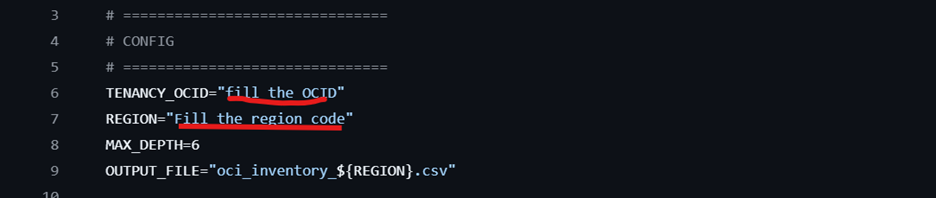
Click “I” to insert and paste the Tenancy OCID
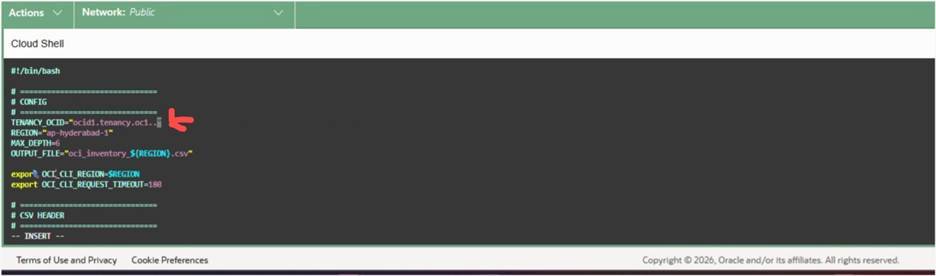
Click Esc and “:wq!”
run to check file is save or not

Run Command chmod +x inventory.sh(For executable permissions to the file)
Then final stage Run the Script ./inventory.sh
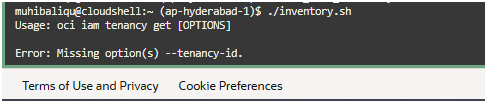
see the results
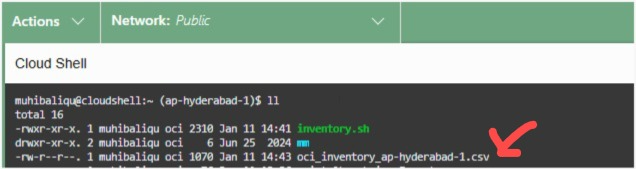
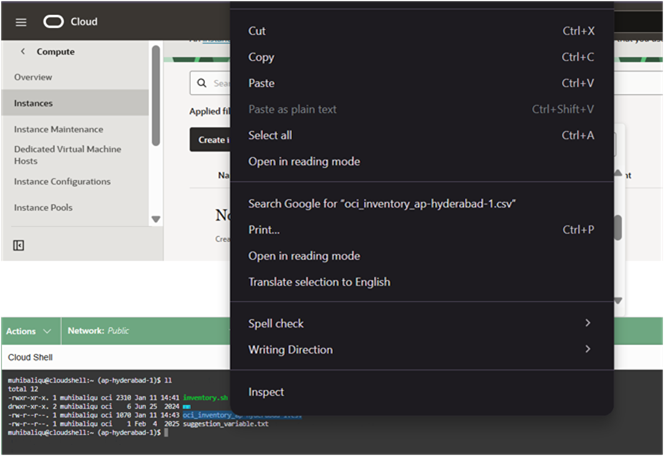
Select and copy that file
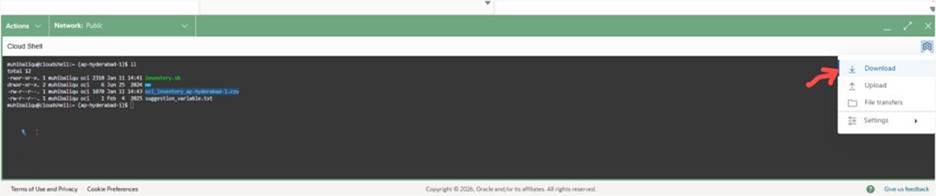
Click on settings on right top of cloud shell terminal and click download
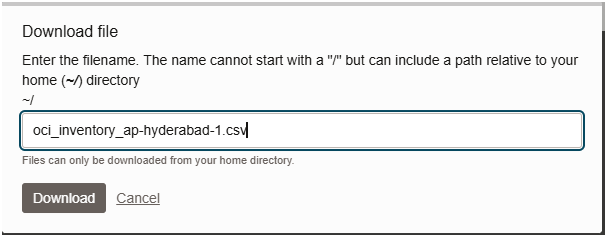
Paste the name and click download
See the results in xl

Thanks,
Muhib Ali Qureshi