Hello
Environment :
Oracle XE18c
APEX 18.2
ORDS 18.4
Centos Release 7.5
I successfully installed OracleXE18c / APEX18.2 / ORDS 18.4 on Centos 7.5
To implement SSL with my domain bespokedbsolutions.com I used this guide : Configuring SSL
https://dsavenko.me/oracledb-apex-ords-tomcat-httpd-centos7-all-in-one-guide-part-four/
This works ok verifying the SSL certificate status with link
https://www.ssllabs.com/ssltest/analyze.html?d=bespokedbsolutions.com&latest
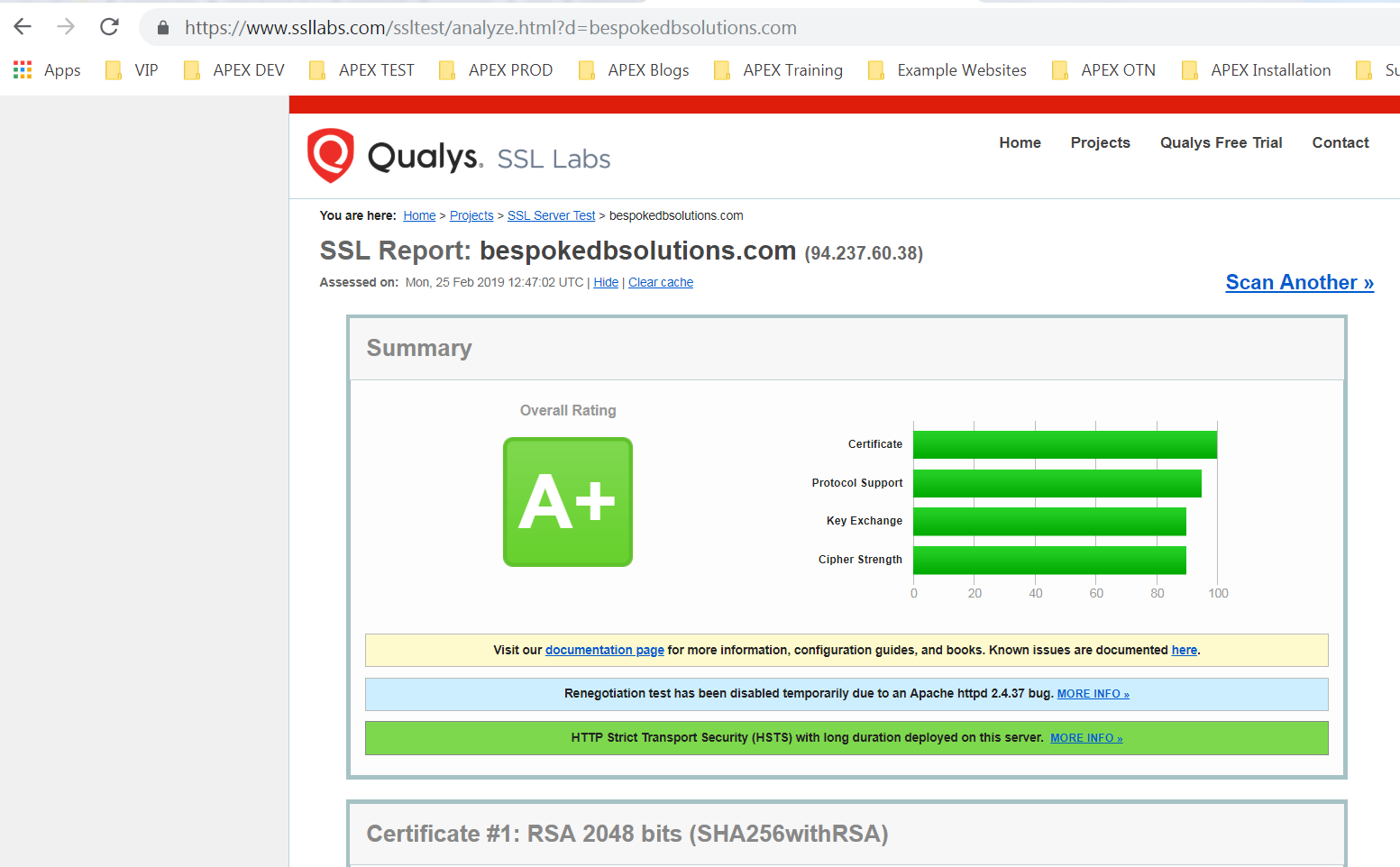
and command
curl -k https://bespokedbsolutions.com
returns html markup
However when I invoke any APEX application modal dialog page, I receive error 'bespokedbsolutions.com refused to connect.'
For example, Sample Database Application Packaged App invoke modal dialog page Product Details (P6).
https://bespokedbsolutions.com/ords/f?p=140
(demo/demo)

I think the JS code is blocked for some reason, or it could be my Apache config.
Please can anybody assist this urgent issue?
Kind Regards
Ade
Apache config file /etc/httpd/conf.d/10-apex.conf
# force HTTPS
<VirtualHost *:80>
ServerName bespokedbsolutions.com

ServerAlias www.bespokedbsolutions.com

RewriteEngine on

RewriteCond %{SERVER\_NAME} =www.bespokedbsolutions.com \[OR\]

RewriteCond %{SERVER\_NAME} =bespokedbsolutions.com

RewriteRule ^ https://%{SERVER\_NAME}%{REQUEST\_URI} \[END,NE,R=permanent\]
</VirtualHost>
# forward ORDS requests to tomcat
<VirtualHost *:443>
ServerName bespokedbsolutions.com

ServerAlias www.bespokedbsolutions.com

# SSL certificates settings

Include /etc/letsencrypt/options-ssl-apache.conf

SSLCertificateFile /etc/letsencrypt/live/bespokedbsolutions.com/cert.pem

SSLCertificateKeyFile /etc/letsencrypt/live/bespokedbsolutions.com/privkey.pem

SSLCertificateChainFile /etc/letsencrypt/live/bespokedbsolutions.com/chain.pem

# alias for apex static files

Alias "/i/" "/var/www/apex/images/"

# uncomment the line below if you want

# to redirect traffic to ORDS from root path

# RedirectMatch permanent "^/$" "/ords"

# proxy ORDS requests to tomcat

ProxyRequests off

ProxyPreserveHost On

\<Location "/ords">

    ProxyPass "ajp://localhost:8009/ords"

    ProxyPassReverse "ajp://localhost:8009/ords"

\</Location>
</VirtualHost>