Hi Experts,
I want to create a new theme as Universal theme. For that i followed this steps:
- I created a new theme from scratch which for Theme Number= 101 and Name= Infinity
- I created templates from existing theme Universal Theme that I preceeded by AIS
- I specify the path of CSS and JS files in Shared Components -> Themes -> Infinity - 101 * -> Tab JavaScript and Cascading Style Sheets
- I switched Universal theme to Infinity
Now i want to specify the path of CSS and JS files of my new theme, and i dont know where should i do it.
I get this JS error in my console:
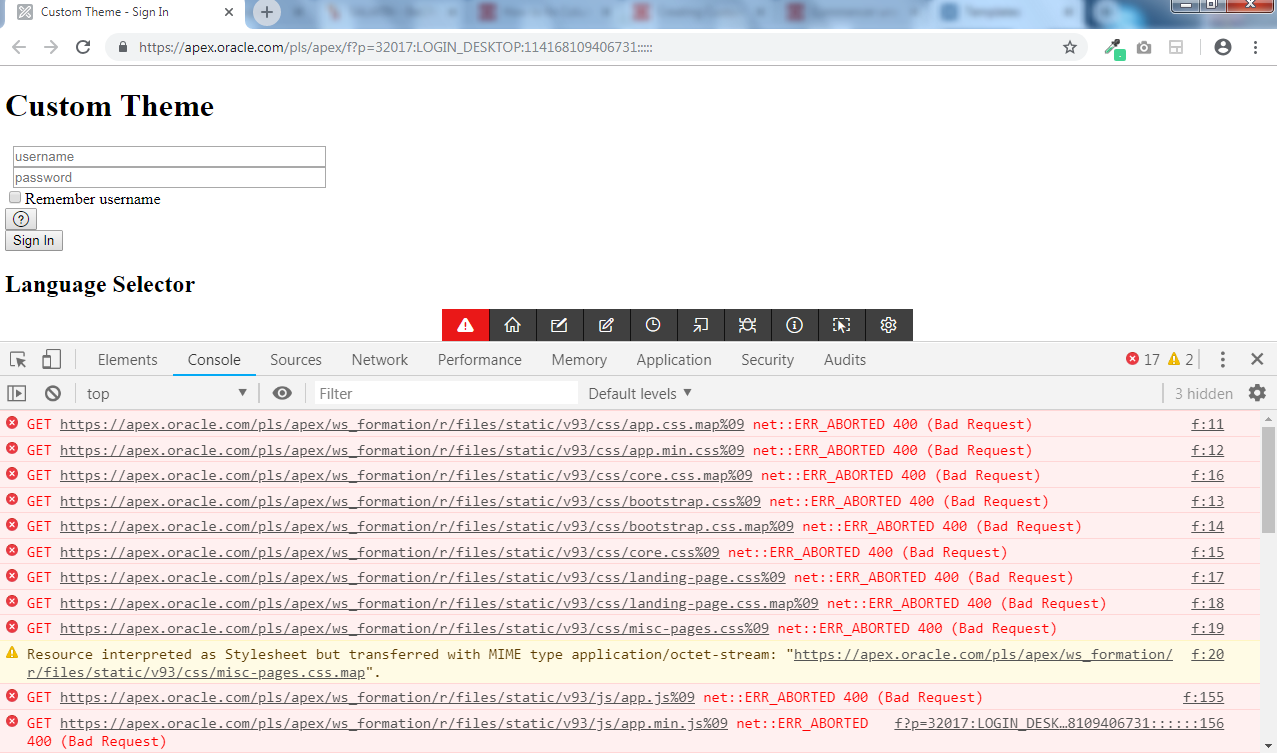
You can see demo on apex.oracle.com with this credentials:
Workspace: ws_formation
Username: asoukaina
Password: s@boulah123
I used the Application 32017 - Custom Theme
Thank you.