Hello everyone,
I'm trying to create a dynamic installer with JavaFx where it reads from a config file, reads all the information with what it should run and show to the user the options and when it runs, show the progress in each step.
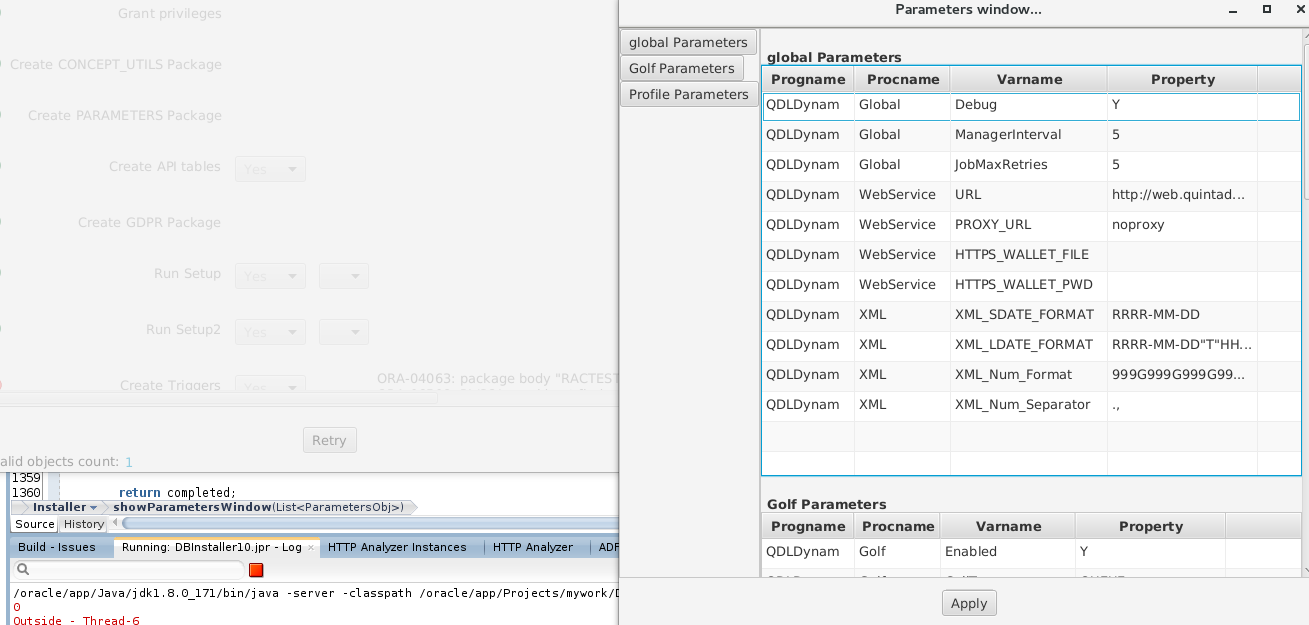
My problem is when I try to run the installer, I've put inside a Task the function that iterates in each step, so I can update the UI in the most computing intensive steps, and I need to make the Task wait in specific steps for user input (a windows shows with results of the previous steps and asks the user what to do) but when it shows the window the installer continues to the next steps without waiting for the user input.
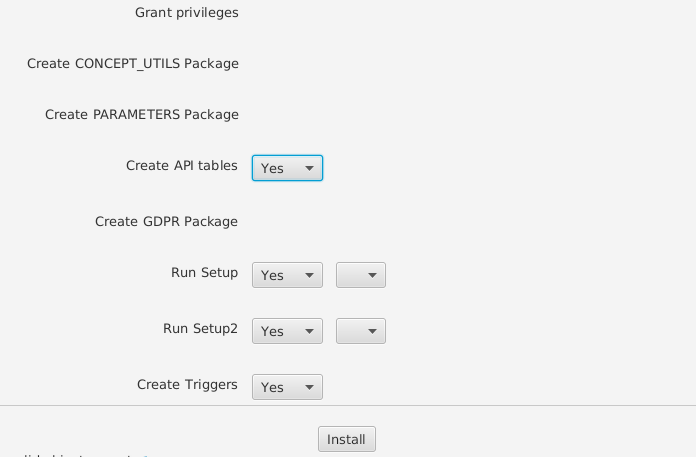
Installer window example:
Installer with second window when running:
The code is basically something like:
public void start(Stage primaryStage){
 //read config file and build mainInstaller window

 Button runInstallButton = new Button("Install");

 runInstallButton.setOnnAction(e->{

           Task\<Void> task = new Task\<Void>(){

            @Override

            protected Void call() throws SQLException{

                runInstaller();

                return null;

            }

        };

      Thread th = new Thread(task);

        th.setDaemon(true);

        th.start();

 });
}
public void showWindow(){
//build and show window UI and wait for user input
}
public void runInstaller(){
 Object \[\]\[\] installerData;

 for(int step=0;step\<numSteps;step++)

      for int actionsInStep=0; actionsInStep\<numActions;actionsInStep++)

           switch(installerData\[step\]\[actionsInStep\].type){

           Actiontype.type1:

                //do stuff without opening window and update UI progress using Platform.runLater

           break;

           Actiontype.type2:

                //do stuff and open new window for user input

                showWindow();

                //it doesn't stop after showing the window and continues the for cycle

           break;

           }
}
Thank you