Issue : URL not working, which has been attached to the LB IP address
Step-1: Load Balancer Monitoring
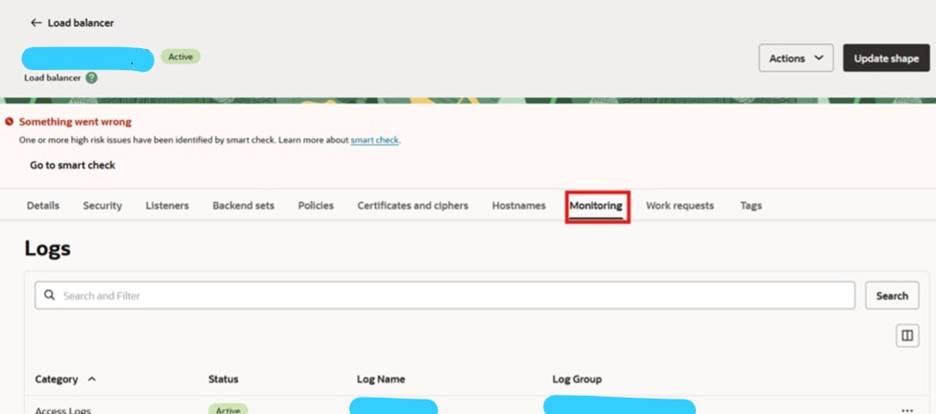
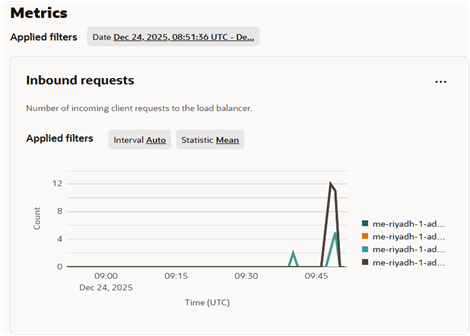
Step 2: Navigation to issue: Checked the metrics of the Inbound request, graph showing the traffic, it means that listener is good and there is no metrics on Active connections, that means there is a problem at backend set.
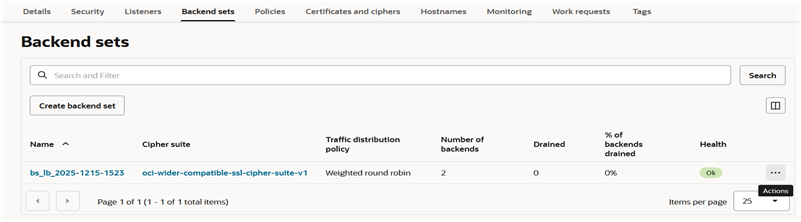
Step 3: Click on three dots and click on details
Step 4: Enable the Use SSL
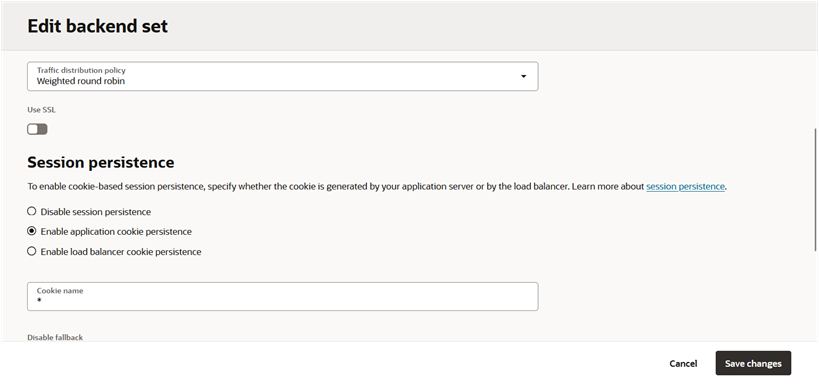
Step 5: Choose “certificate service managed certificate” for Certificate resoureces and save changes
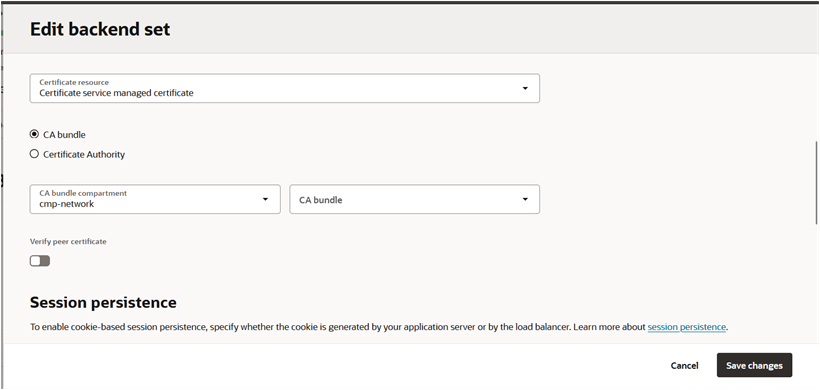
Note: This is for HTTPS load balancer with 443
Bonus Tips: In LB Monitoring, Inbound decides to the listener traffic and Active Connection shows the traffic flowing in the backend set