I am trying to create a BI publisher report containing BLOB (image) column. I followed these step.
1. Created a function. :-
create or replace FUNCTION pdf2img(p_blob IN BLOB)
RETURN CLOB
IS
l_clob CLOB;
l_step PLS_INTEGER := 12000; -- make sure you set a multiple of 3 not higher than 24573
BEGIN
FOR i IN 0 .. TRUNC((DBMS_LOB.getlength(p_blob) - 1 )/l_step) LOOP
l_clob := l_clob || UTL_RAW.cast_to_varchar2(UTL_ENCODE.base64_encode(DBMS_LOB.substr(p_blob, l_step, i * l_step + 1)));
END LOOP;
RETURN l_clob;
END;
/
2. Write the report Source query. :-
select p.EMPLOYEE_NAME "Name", ds.DESIGNATION_TITLE "Title", d.DEPARTMENT_NAME "Department", o.JOINING_DATE, o.PHONE_NO "Number", pdf2img(i.EMP_PHOTO) "IMAGE", pdf2img(i.EMP_SIGNATURE) "SIGN"
from personal_info p, official_info o, designation ds, departments d, IMAGE i
where p.employee_id = o.employee_id
AND ds.designation_id = o.designation_id
AND d.department_id = o.department_id
AND o.employee_id = i.employee_id
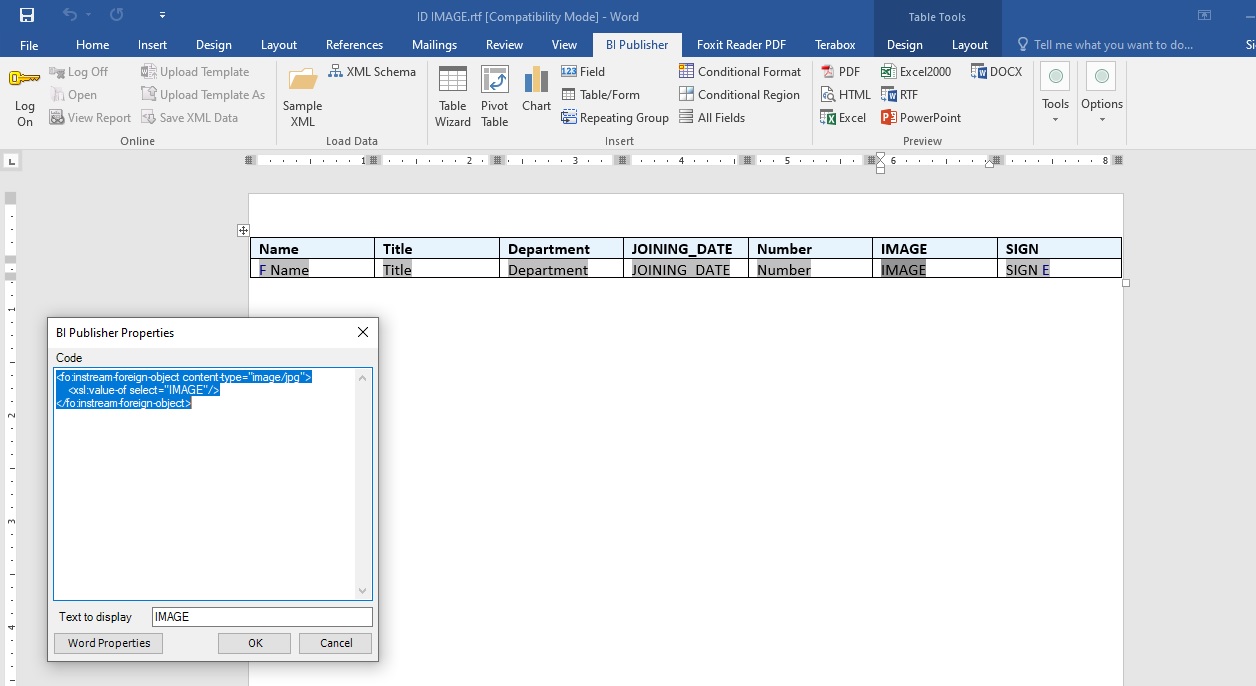
3. In RTF ms word file Load XML data table.
4. set the image region code. :-
<fo:instream-foreign-object content-type="image/jpg">
<xsl:value-of select="IMAGE"/>
</fo:instream-foreign-object>
<fo:instream-foreign-object content-type="image/jpg">
<xsl:value-of select="SIGN"/>
</fo:instream-foreign-object>
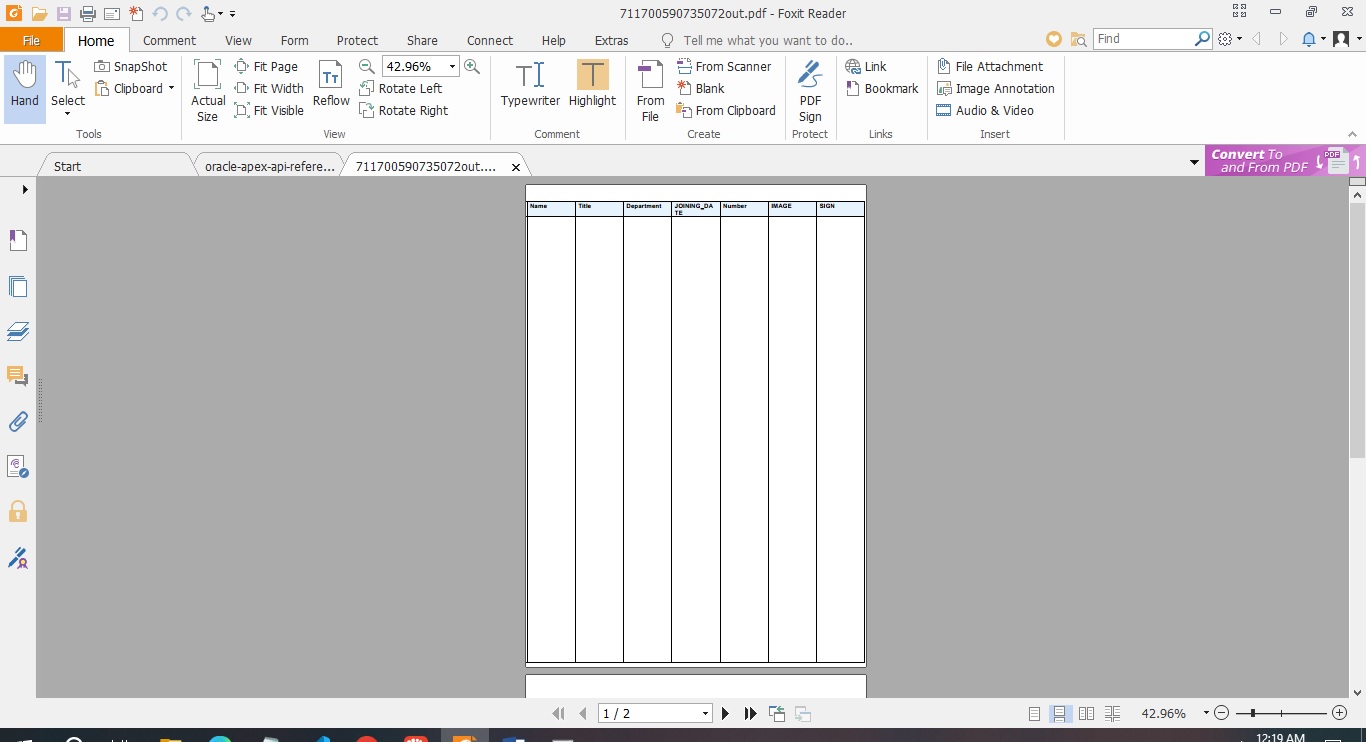
When I preview to pdf All it showing is empty pages. While I have data in database.
What's wrong here. How to solve it ?
I am using BI Publisher 11g, and Apex 23.2
#apex23 #bipublisher #image