Does anyone know how to integrate the Oracle Jet Gantt chart into Oracle Apex version 5.1? I know questions similar to this have been asked on this website, but none of the answers have helped me with my specific situation.The research I have done shows either how to integrate Jet components into version 5.0 (but to my understanding, a lot changed between versions 5.0 and 5.1) or how to integrate a couple of different Oracle Jet components into Apex 5.1, but the code used to integrate these components seems very specific to the components being integrated. I have tried copying and pasting the javascript code and the HTML code from the Oracle Jet Cookbook into the the appropriate sections in the Page Designer on Apex, but nothing shows up when I run the page. Specifically, I'm wondering how to use the Oracle Jet cookbook code for the Gantt chart to create that Gantt chart on a page in my Apex application?
For example: I found this example of how to add the Jet Input Number component to an Apex page:
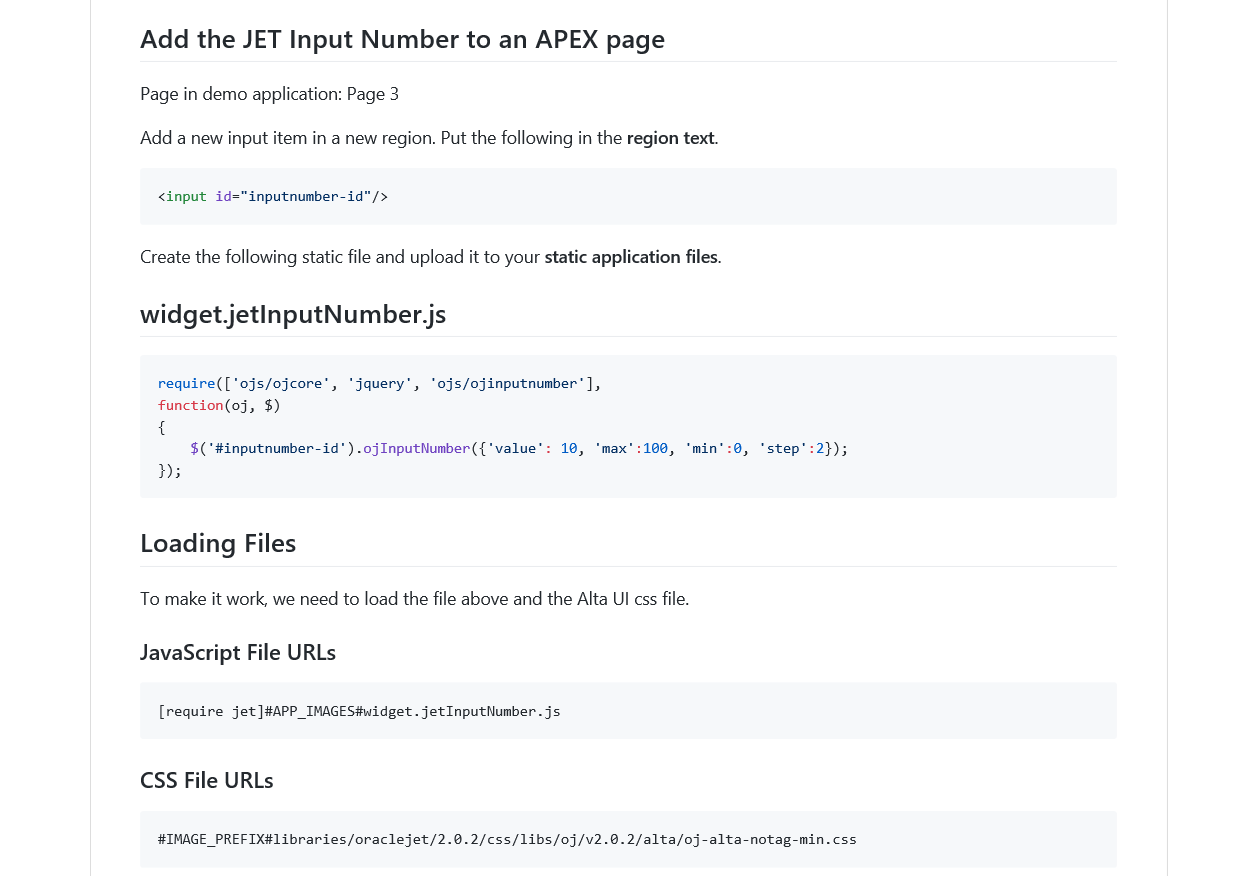
But there was much more code in the javascript section of the Cookbook. How would I know to only include this code? How would I know to "add a new input item in a new region" using that specific code? And the Gantt chart has a JSON section in the Cookbook that I don't know how to utilize in my Apex page.
Has anyone tried to do this yet?
Thank you in advance.