ANSWER IS ON COMMENTS. PLEASE READ THROUGH THOSE TO GET CORRECT ANSWER. AND COMMENTED SCREENSHOTS BY THE BEST USER (@"AdamJaws" ) HELPS A LOT TO COMPARE YOUR WORK WITH HIS. THANKS FOR HELPING!!!!
Hi All,
I hope you had a great weekend.
I have two questions,
-
I have a table with data. When I move mouse around the table, the rows is highlighted with grey color. I want to change that color to different color (such as light blue). How can I do it?
-
I want to add function to the "pencil icon" that when i press it, it creates new pop-up page on the page of the table -(on the current page) and gives me options to delete the row i clicked the pencil icon on, add new elements to it -basically, edit it.
Can anyone help me with these? I would really appreciate!
The following screenshots are for to clarify my question and the settings i have. I am sorry if I had any grammar issues and added any unnecessary screenshots.
THANKS!
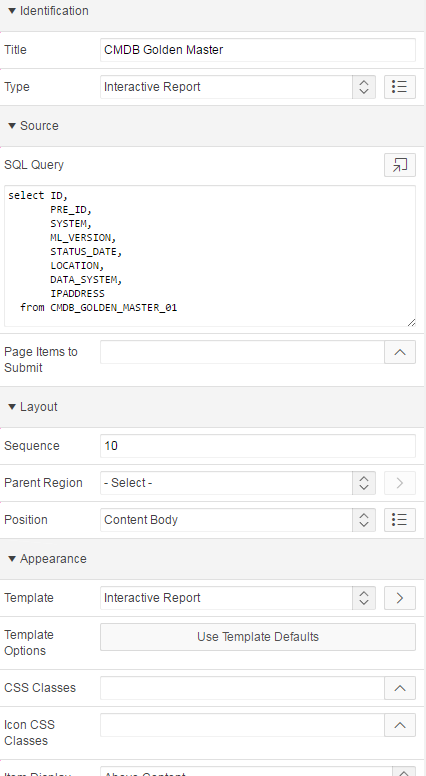
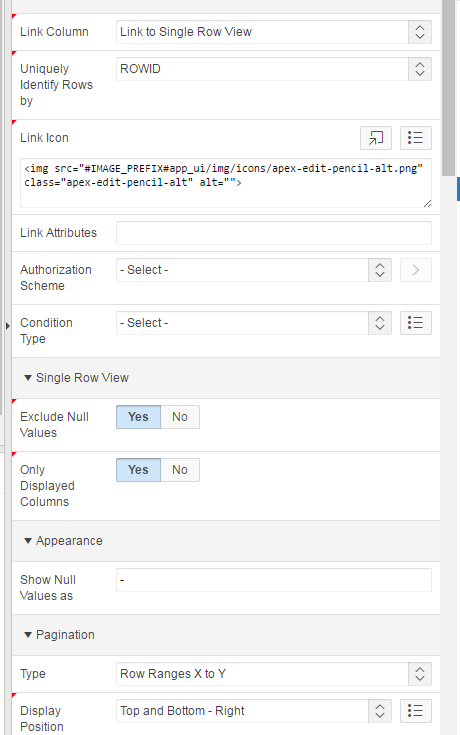
This is what i want to change (background color for column when i move the mouse on it and the pencil icon which i want to click and edit that row.
