Skip to Main Content

APEX

Announcement

For appeals, questions and feedback about Oracle Forums, please email oracle-forums-moderators_us@oracle.com. Technical questions should be asked in the appropriate category. Thank you!

How to change the colours manually in Charts?

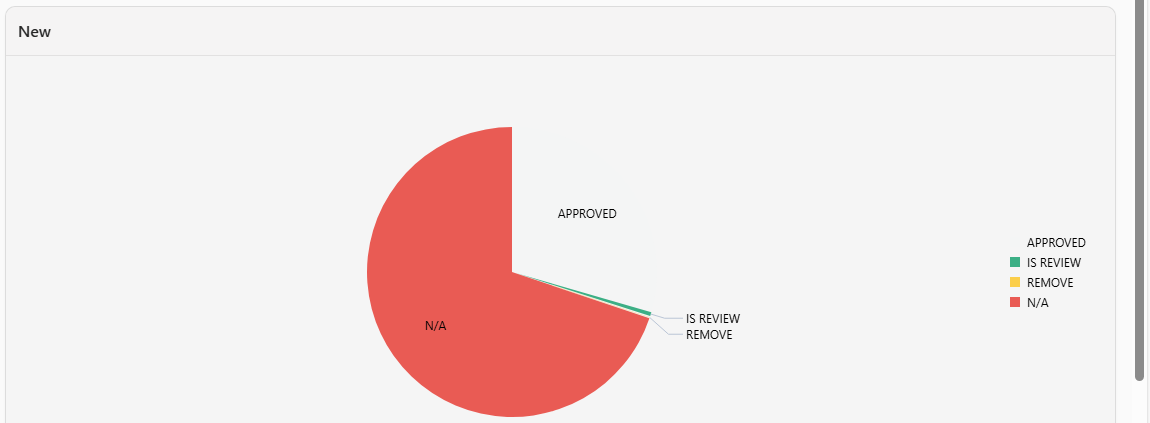
I’ve been trying to change the colors of my pie chart to follow a specific format: Approved – Green, Remove – Red, Pending – Yellow, and Is Review – Blue.

Note: In the screenshot, the Approved slice appears in white, so it is not visible. How can I manually change the colors to the format and colors I want?

Comments
Post Details
Added 8 hours ago
2 comments
27 views