I'm working on a report region (SQL query) with several fields that needs to be larger in height. I changed them to Text Area, but it looks too big and the appearance was not nice. Besides, if you change the field to Text Area it does'nt include the height area to specify the height needed, as in a form field. I specified on the Element Attributes "height=2" and it does'nt work. The theme is Topaz (#4). See the screen shot included.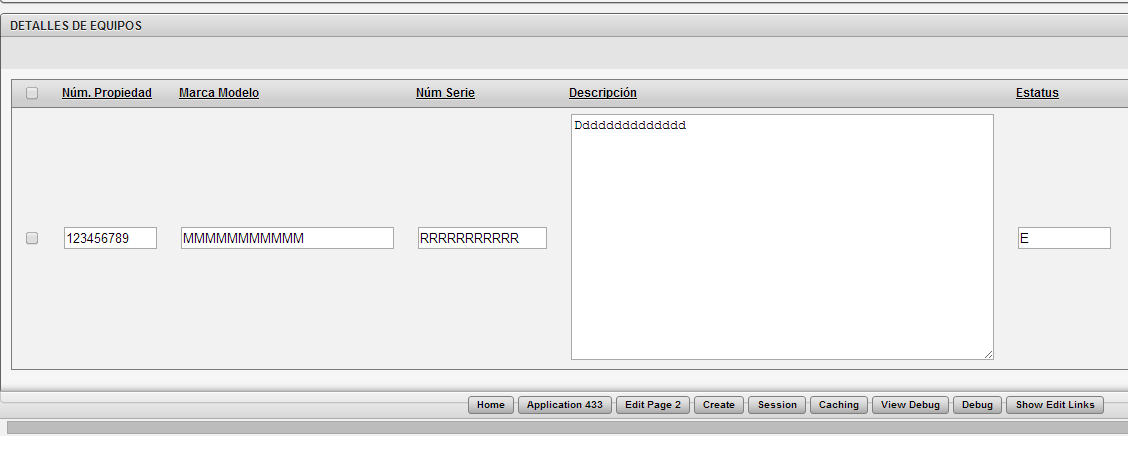 How can I specify a height=2 in these fields.