I'm using Apex 19.2
I have a classic report based on a sql statement.
How do I get rid of the gray space between columns:
 I have this for the column in the sql statement:
APEX_ITEM.TEXT(4,ACTIVE_YEAR, NULL,4,'style="padding: 0px 0px 0px 0px;margin:0px;white-space: nowrap;width:32px" class="right-align"') ACTIVE_YEAR
I was hoping the css would take care of the problem.
I've set the region parameters to this:
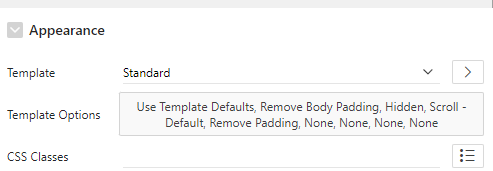
Nothing I do eliminates the space between the columns.