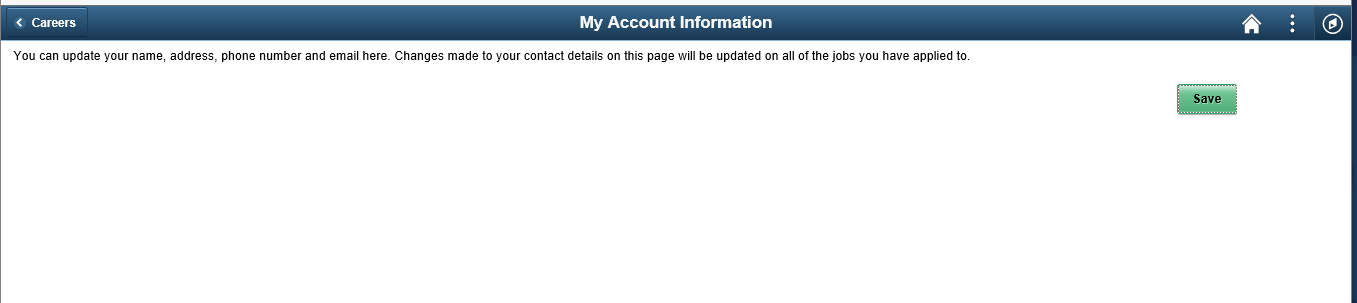
We are applying HCM Image 30 and found an issue within candidate gateway where an applicant who is signed in using there external applicant account click on the "My Account Information" link and the page that displays has only the help text and the save button, no fields to edit.
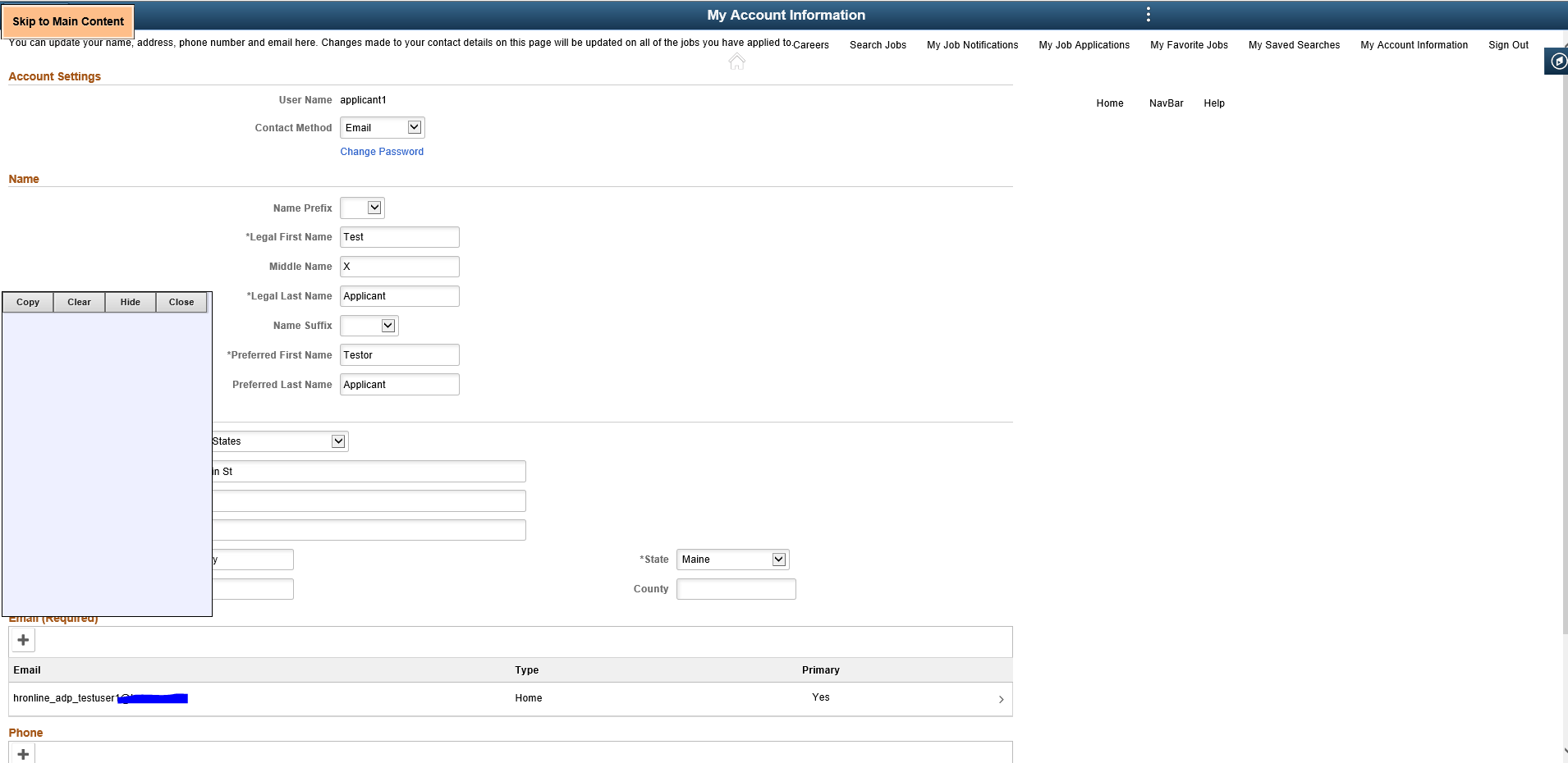
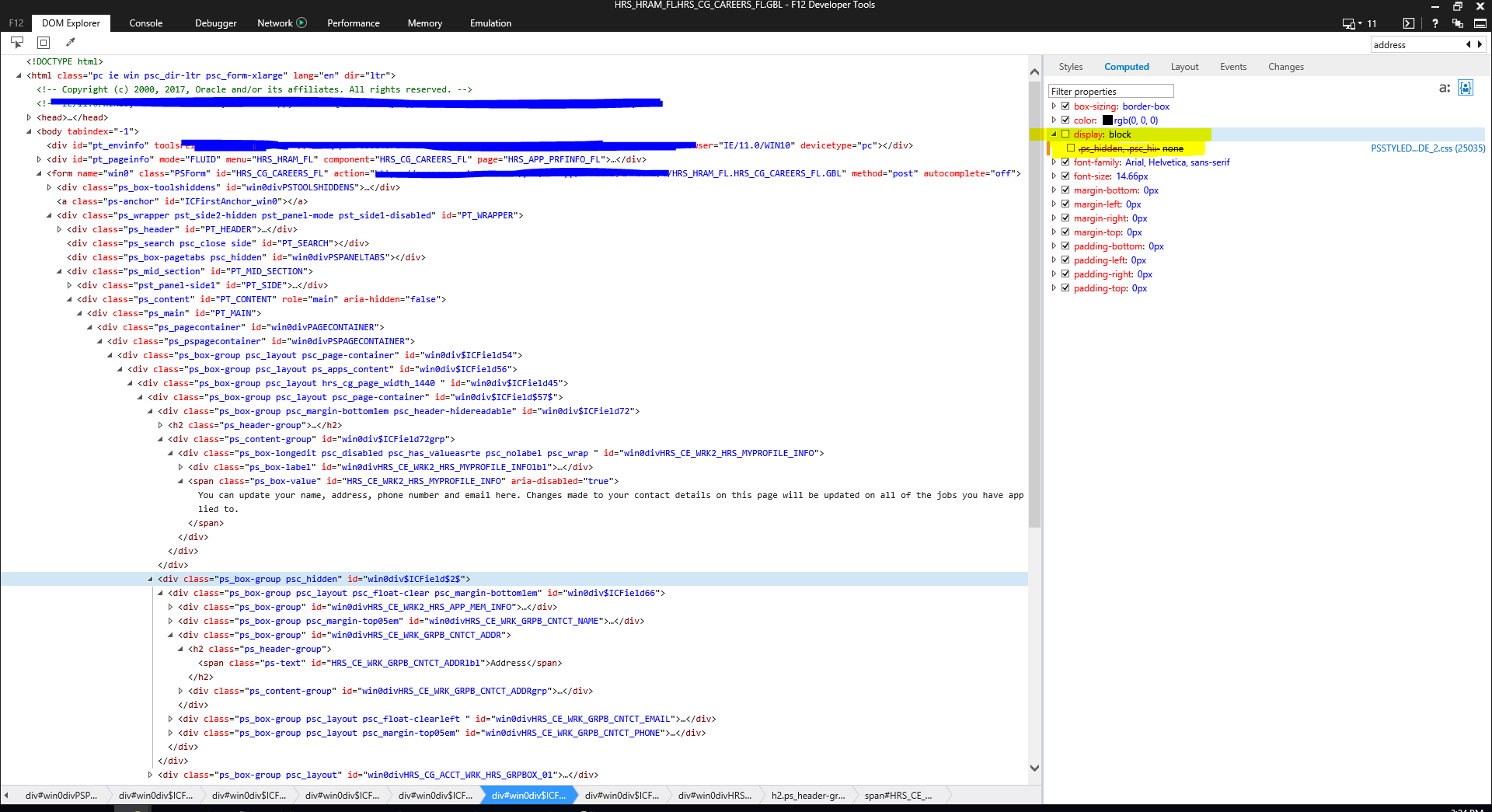
Via further investigation using IE developer tools (F12) you can find the correct HTML element and remove the ps_hidden style sheet then the fields will show (still a bit off but this proves the page is there). I have traced the code and have not found the key to what is calling for these to be hidden. I have an Oracle case open.....they are working on coming up with things to keep trying but have not commented on what would trigger these fields or sections to be hidden. I am thinking by the page design these are hidden based on business rules and I just need to know what those are in order to find a fix. I did find that the code is identifying this applicant as external and did find code that would make these fields read only in that situation but not make the whole sections hidden.
Thanks for any guidance on this.
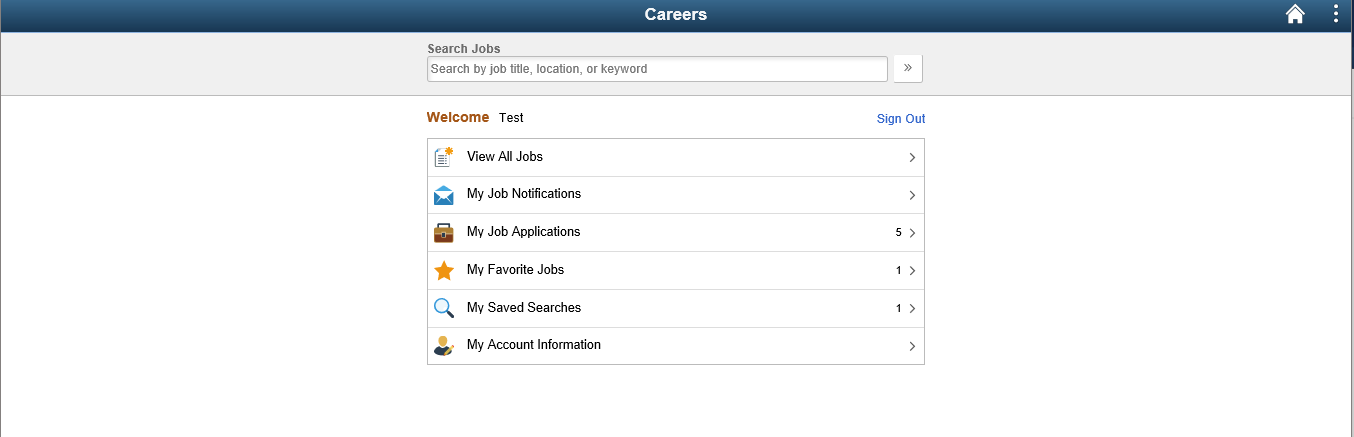
External Applicant User is logged in:
After the logged in external applicant clicks the "My Account Information" link they get this page with no fields.
Details of the F12 tool: Unchecking of the "display: block" line causes the fields to show on the page, still with problems but this proves that the page is being generated just not shown......We are looking for reasons the fields might be triggered to be hidden?
Unhidden Fields after F12 tool updates: