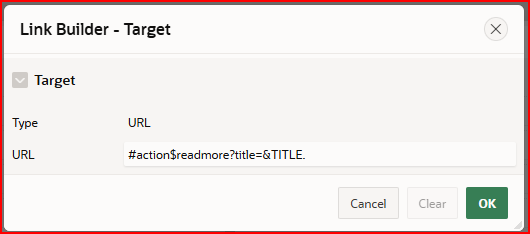
In a template component I have an Action button with an Action URL:
#action$readmore?title=&TITLE.
The Template Component has a JavaScript file
function executeOnLoad() {
 apex.actions.add([
   {
     name: 'readmore',
     Label: 'Read more',
     action: (event, element, args) => {
       apex.message.confirm("You want to know more about " + args.title);
       return true;
     },
   },
 ]);
}
document.addEventListener("DOMContentLoaded", executeOnLoad);
This raises an error:
Uncaught TypeError: apex.actions.add is not a function
If I call this executeOnLoad() via my page Execute When Page Loads, I don't get this error.
So, the Template Component JS code seems to run too soon, before all APEX JS is loaded.
Is there as solution for this, like a listener event that is even later than DOMContentLoaded?