Hi,
I use Cloud PBCS.
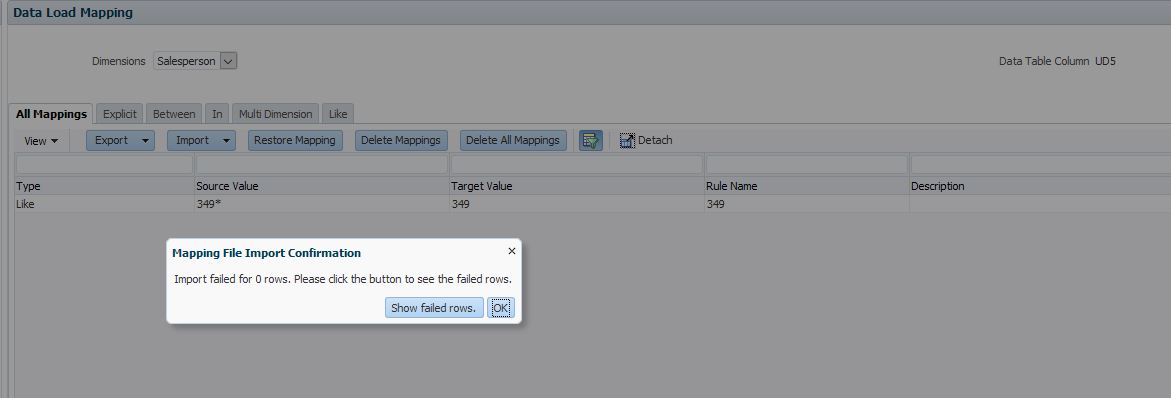
I am trying to upload mapping from Excel for Dimension [Salesperson].
In the source system, each Salesperson has a unique code (e.g. 349), which I have maintained as the Member name / Target Value in PBCS.
I am starting with just 2 Salesperson as below. I entered "349" manually within Data Management, then exported the dimension to excel, then typed in details for "F1", saved the file and then ran an Import from Excel within Data Management.
The import completes with Zero failed rows, but "F1" does not appear. I have tried others instead of "F1" - they also don't appear. I tried loading a new mapping into dimension [Account] and this worked.
I have 130 Salespersons so would prefer not to enter them manually within Data Management
Any ideas?