I am on Database 23ai , Apex 24.1 and ORDS 24.4
I am trying to incorporate css into my Apex application.
I have created a .css file called main.css, contents are below:
.region {
background:white;
border-radius:10px 10px 10px 10px;
box-shadow: inset 0px 0px 30px #dfdbdf
}
/*
.t-Body {background-color: coral}
#hcolor {background-color: #f1476f;}
#hcolor a{color: white;}
*/
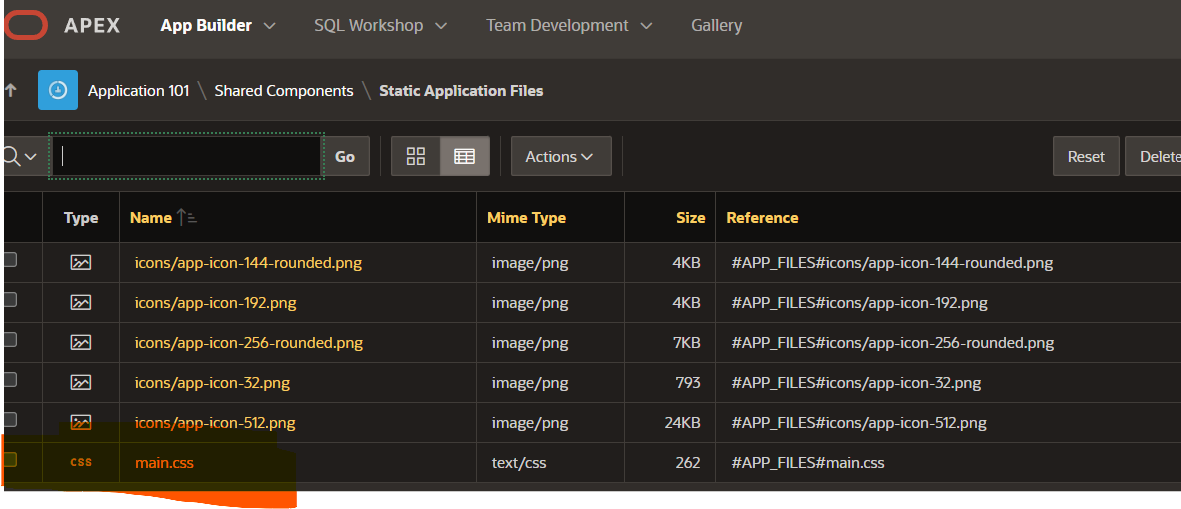
I have loaded the main.css file on to the Static Application files tab as below:
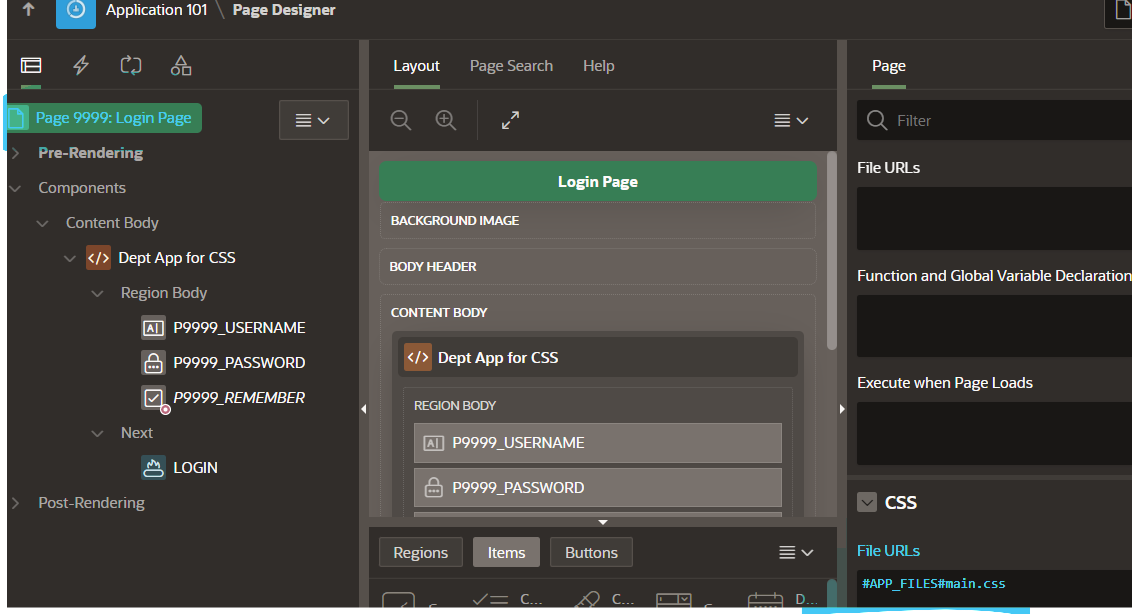
Next I go to the page containing the region I would like to style:
Then next I got the region to apply a class in the .css file to the region:
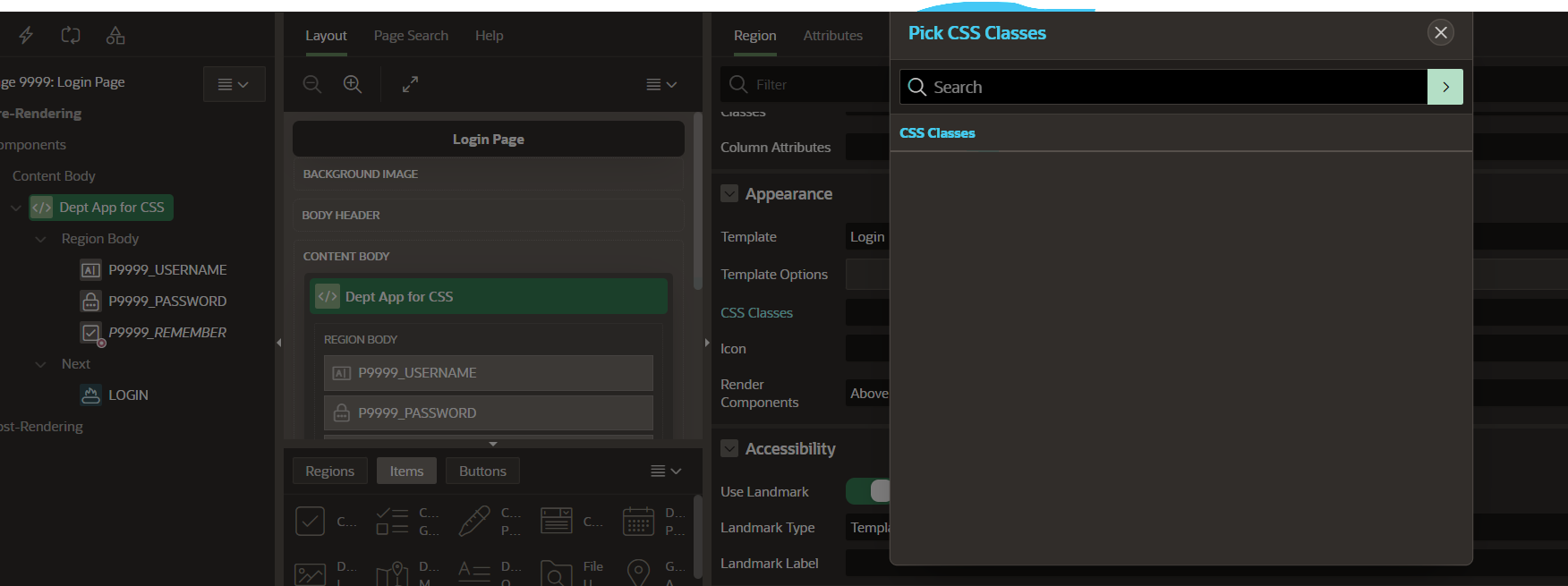
I am expecting the region class to appear in the search dialogue, but it is empty , so I cannot get to select the class.
Am I missing a step?
Please assist