Version: sqldeveloper-17.3.1.279.0537-macosx, I also tried an older version (which I forgot the version number) the same issue exists
Problem description:
I had worked on a DB via sql developer several days ago (the connections were working, everything was fine).
Two days ago I tried to organize my sql files and moved them to another folder. After this, when I opened the Sql Developer again, I could still see the opened tabs for those already been moved sql files. So I closed the tabs, but all of a sudden, the connection UI module became blank and all my connections got lost. I tried to create a new connection by click "New" -> "Connections" but the connections window never popped up.
What I have tried to solve the problem:
I have tried to delete the Sql developer from my Mac, removed the .sqldeveloper folder in my home directory and reinstalled the Sql developer, but the Connection Module remained broken.
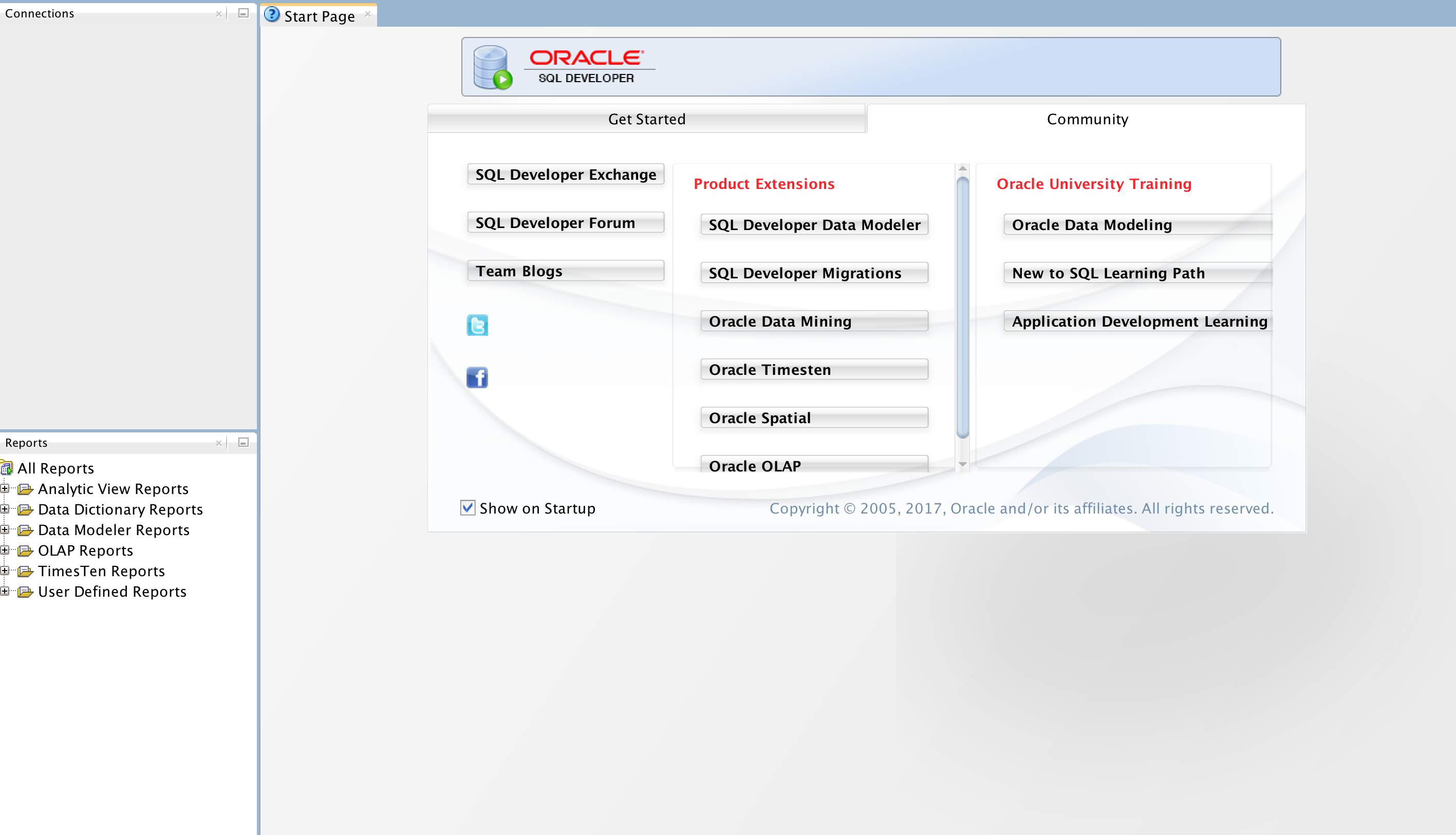
I guess when I moved the sql files to a different directory some relations were broken, and when I deleted the application, some config files were not removed and still exist somewhere. Anyone knows how to fully uninstall it? Thanks