Some days after an upgrade to APEX 19.2 from 18.2 (if I remember correctly) the following happens on a page that was not touched for more than a year.
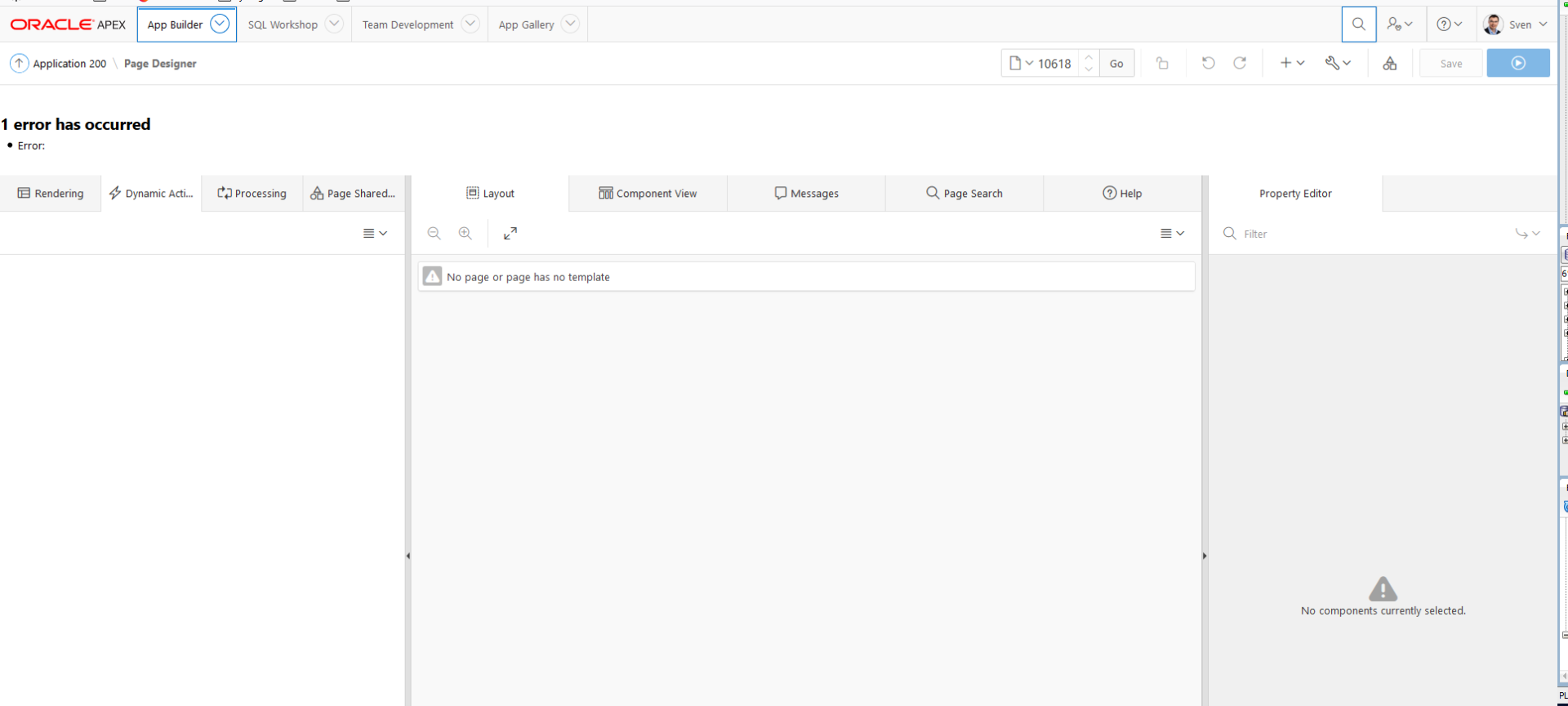
The application is in compatibility mode 18.2. The page does run. I just don't seem to be able to edit the page. I can edit other pages in the same application.
When opening the page designer, the spinning icon appears for several seconds and then after some time it stops and reports this generic page error.
At the same time on DB session level I see this wait event for that session (module=APEX_190200/APEX:APP 4000:4500)
EVENT P1 P2 P3
PGA memory operation 65536 1
For a short moment I also saw a cursor S pin wait on X wait.
=> I could reproduce this by trying to refresh the page designer multiple times. It seems to block itself (from another session).
Is there something special on that application page? As far as I remember there is a classic report based upon a select that calls a pipelined table function.
Something like
select * from table(mypackage.myfunction(:PX_ITEM));