Hello Everyone,
In Oracle fusion application navigate to “Journal” → “Manage Journals”
enter the Journal Batch name: XXXX
select the period: 23-11
click the “Search” button which shows the below page
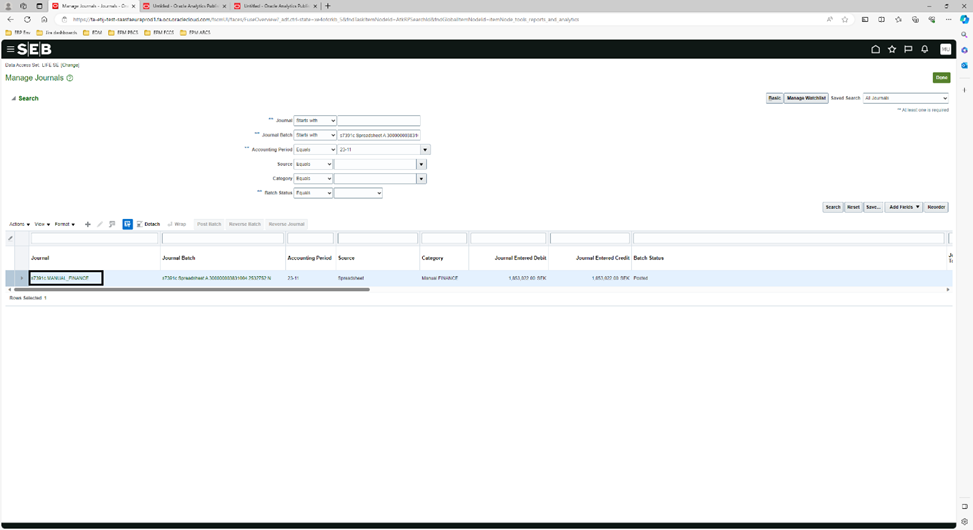
Figure-1
click the “Journal” link as shown above which opens the journal page containing the attachments field as shown below
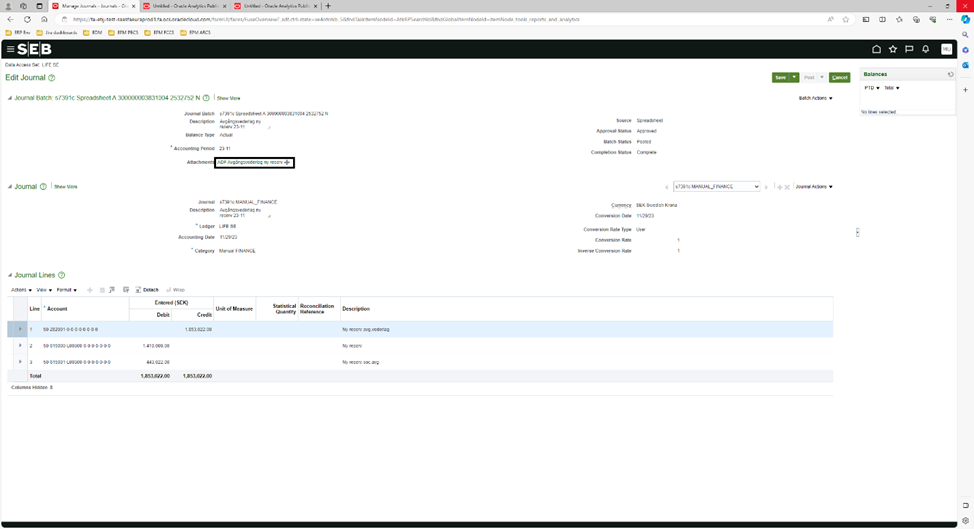
Figure-2
Due to security concerns we don’t want to shown the journal details just want to show the journal attachment from Figure 2 in Figure 1.
We checked around with application composure but could not find any good solution, could you please enlighten us how to achieve the above the solution?
/Syed Hussain