Hi,
Through help from this site (Specifically Fac586), I have now learned how to display BLOB images in Slideshows and Reports, and how to add Links to BLOB images in slideshows.
I have another question now. I have a standard report that displays an image using the dbms_lob.getlength function.
If I want to add a link to the image, is the only place I can add the link in the Page Item Link Setup?
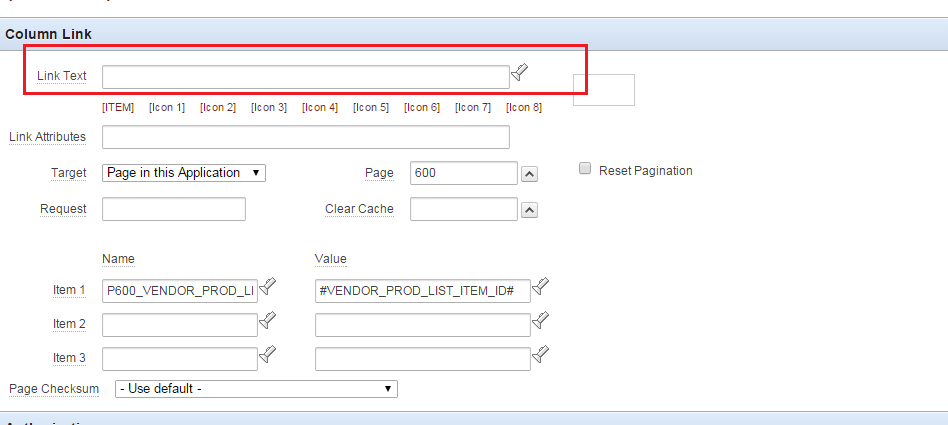
What would the "link text" be in the Item link setup ?
My Report Query
=============
select a.mag_image_id, dbms_lob.getlength("CONTENT") Item
from mag_images a;
The "Item" column displays in the report, but I want a Link on the image to another page.
This is the Item Setup

Below is the Column Link Setup, but I need something in the 'Link Text' and don't know what to put in there.
I have successfully used the following (In red) when the BLOB data is in HTMLDB_APPLICATION_FILES, and it works 100%. What is the file_object_id exactly? How would I get the file_object_id of an image uploaded into a BLOB column of a user defined table (Not HTMLDB_APPLICATION_FILES).
<img src="p?n=#IMG_OBJ#" height="150" width="225" /> ( #IMG_OBJ# = htmldb_application_files.file_object_id )
I will appreciate any assistance.
Thanking you in advance